
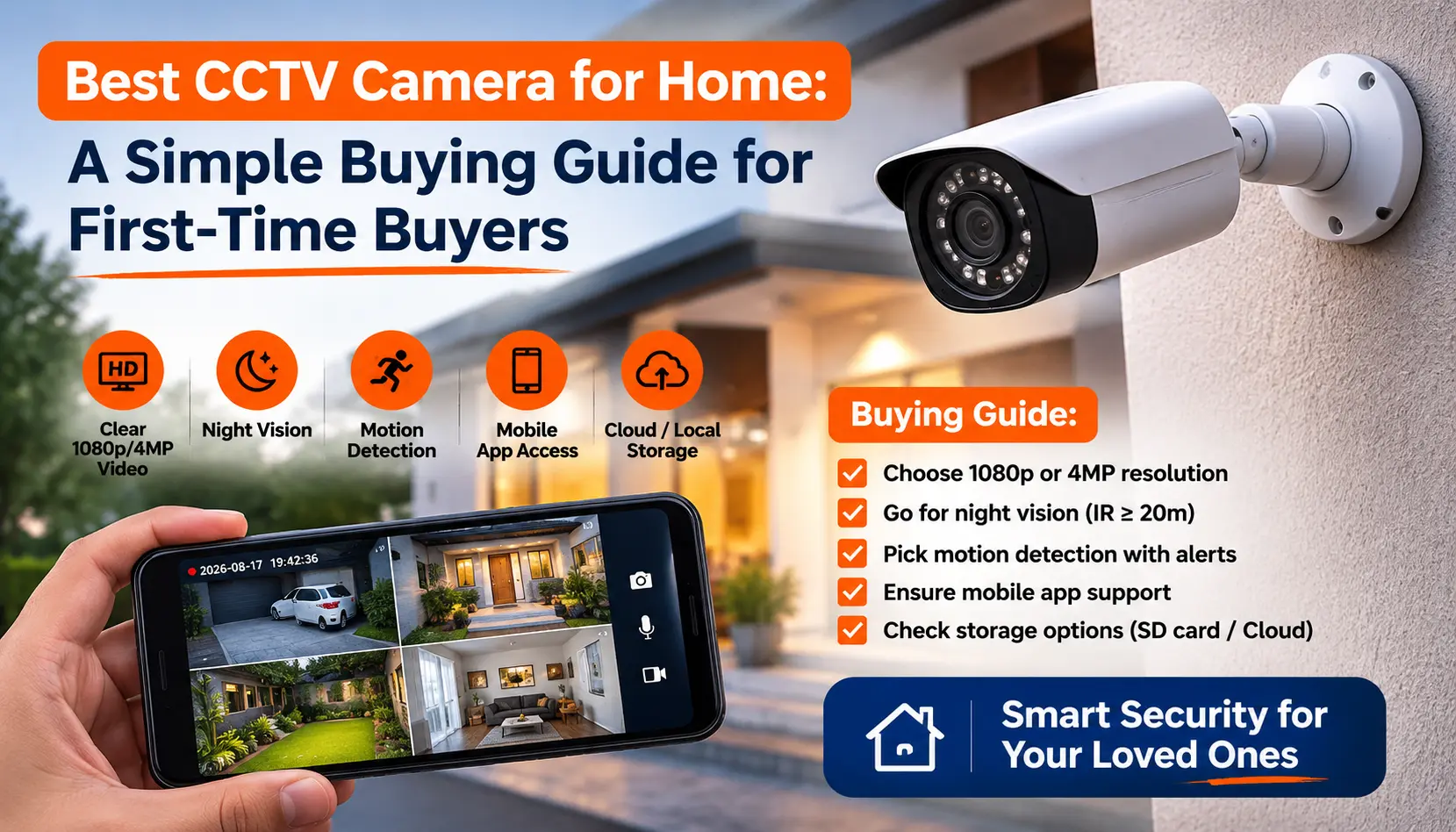
Buying your first CCTV camera can feel confusing. HD or IP? Dome or bullet? DVR or NVR? Every shop pushes a different combo. It is hard to know what you need — and what you are just being upsold.
This guide breaks it down in plain language. By the end, you will know exactly what to ask an installer (including us).
Quick answer: For most homes, a 2MP or 5MP camera with night vision, a mix of dome (indoor) and bullet (outdoor) types, and 15-30 days of storage covers everyday needs. Read on for the full breakdown, or get a free quote if you are ready to install.
- Step 1: Decide What You are Protecting
- Step 2: HD or IP Camera — Which One Do You Need?
- Step 3: How Many Cameras Do You Need?
- Step 4: Choose Your Resolution (2MP vs 5MP vs 8MP)
- Step 5: Wired or Wireless?
- Step 6: Choose Your Storage (DVR or NVR)
- Step 7: Choose Your Camera Type (Dome or Bullet)
- Step 8: Set Your Budget
- Step 9: Pick a Trusted Brand
- Step 10: DIY or Hire a Professional?
- Common Mistakes First-Time Buyers Make
- Your First CCTV Setup: Quick Checklist
- FAQs
Step 1: Decide What You are Protecting
Start with your goal, not the camera specs. Ask yourself what you want to cover:
- Entry points only — main door, gate, back entrance. This is the minimum for most homes.
- Full perimeter — every side of the house, boundary wall, parking area.
- Indoor monitoring — childcare, elderly care, or domestic staff areas.
- A shop or small office — cash counter, entrance, stock room.
Most first-time buyers start with entry points and outdoor areas. They add indoor cameras later. This choice affects everything else in this guide, so decide it first.
Step 2: HD or IP Camera — Which One Do You Need?
This is usually your first big decision.
HD (analog) cameras cost less and install faster. They use coaxial cable. Good for simple, budget-friendly home setups.
IP cameras use network cable or Wi-Fi. They give sharper video and support smart features like motion alerts and remote viewing.
For a tight budget, HD is the practical choice. If you want smart features or plan to expand later, IP is worth the extra cost
Read the full comparison: IP Camera vs HD Camera
Step 3: How Many Cameras Do You Need?
There is no fixed number. But here is a simple starting point for homes:
- 1-2 BHK apartment: 2-4 cameras (main door, living area, one outdoor angle)
- Independent house or villa: 4-8 cameras (entry points, gate, parking, corners)
- Shop or small office: depends on floor size and cash-handling zones
Setting up an office instead? We cover that in more detail separately.
Read more: How Many CCTV Cameras Does Your Office Need?
Step 4: Choose Your Resolution (2MP vs 5MP vs 8MP)
Resolution controls how clear your footage looks when you zoom in. This matters most if you ever need to identify a face or a number plate.
- 2MP (1080p): Good for most homes. Clear enough to see faces up close.
- 5MP: Sharper detail. Useful for larger areas or entrances you may need to zoom into.
- 8MP (4K): Best clarity. Costs more and needs more storage. Worth it for large properties or high-risk areas.
For a first system, 2MP or 5MP covers nearly every home need without overspending.
Full breakdown: CCTV Camera Resolution Guide
Step 5: Wired or Wireless?
Wired cameras are more reliable. They do not depend on your Wi-Fi. They are the standard choice for permanent home setups.
Wireless cameras are easier to install since there is no cabling. Good for rentals or spots where wiring is not practical. But they need a stable network and steady power.
Most professional installers in Hyderabad still recommend wired cameras for outdoor use, since they hold up better against weather.
Compare both: Wired vs Wireless CCTV Cameras
Step 6: Choose Your Storage (DVR or NVR)
Your cameras need somewhere to save footage. That is where DVR and NVR come in.
- DVR (Digital Video Recorder): Works with HD/analog cameras. Simple and cheap.
- NVR (Network Video Recorder): Works with IP cameras. More flexible. Better for remote viewing and smart features.
- Dome cameras are discreet. It is hard to tell which way they are pointing. Good for indoor spaces and shops.
- Bullet cameras are more visible, which works as a deterrent. Better for outdoor, long-range viewing like gates and compounds.
- Entry-level HD setup: Most affordable. Covers basic entry points. Browse our HD camera packages to see bundled pricing by camera count.
- Mid-range HD/IP setup: Better resolution, longer night vision range, some smart features.
- Premium IP setup: 4K clarity, AI motion detection, longer storage, app-based monitoring. Browse our IP camera packages for bundled options at this tier.
- CP Plus — strong value for money, widely trusted for home installs
- Prama — reliable mid-range option with solid local service backing
- Securus — straightforward, no-frills performance at a fair price
- Camera angles are planned to avoid blind spots
- Cables are run neatly and protected from weather
- Night vision and motion settings are set up correctly the first time
- You get warranty support and after-sales service
- What you are protecting (entry points, full property, indoor, or all)
- HD or IP cameras
- Number of cameras needed
- Resolution (2MP, 5MP, or 8MP)
- Wired or wireless
- DVR or NVR, and how many days of storage
- Dome, bullet, or a mix
- Your budget range
- A trusted brand with local service support
- Professional installation booked
Most homes are fine keeping 15-30 days of footage. Beyond that, older footage is rarely needed unless you are investigating something specific.
Learn more: DVR vs NVR: Key Differences and What is an NVR?
Step 7: Choose Your Camera Type (Dome or Bullet)
Most homes use both — bullet cameras outside, dome cameras inside or under covered areas like porches.
Full comparison: Dome Camera vs Bullet Camera
Step 8: Set Your Budget
Here is a rough guide for a basic 4-camera home setup in Hyderabad (camera + DVR/NVR + cabling + installation):
Prices shift based on brand, camera count, and cable length. A site visit gives you the most accurate number for your property.
Step 9: Pick a Trusted Brand
We recommend three STQC-certified brands for first-time buyers. All three have strong local service support in Hyderabad:
Browse dealer details: CP Plus · Prama · Securus
Step 10: DIY or Hire a Professional?
Plug-and-play wireless kits make DIY tempting. But for a permanent home setup, a professional installer matters. Here is why:
Want it done right the first time? Our CCTV installation service includes a free site visit and a written quote before any work begins.
Common Mistakes First-Time Buyers Make
Before you buy, avoid these common regrets: poor camera placement, wrong resolution for the distance, not enough storage, and skipping night vision on outdoor cameras.
See the full list: Top 10 Mistakes to Avoid During CCTV Camera Installation
Your First CCTV Setup: Quick Checklist
Before you buy, confirm you have decided on:
