
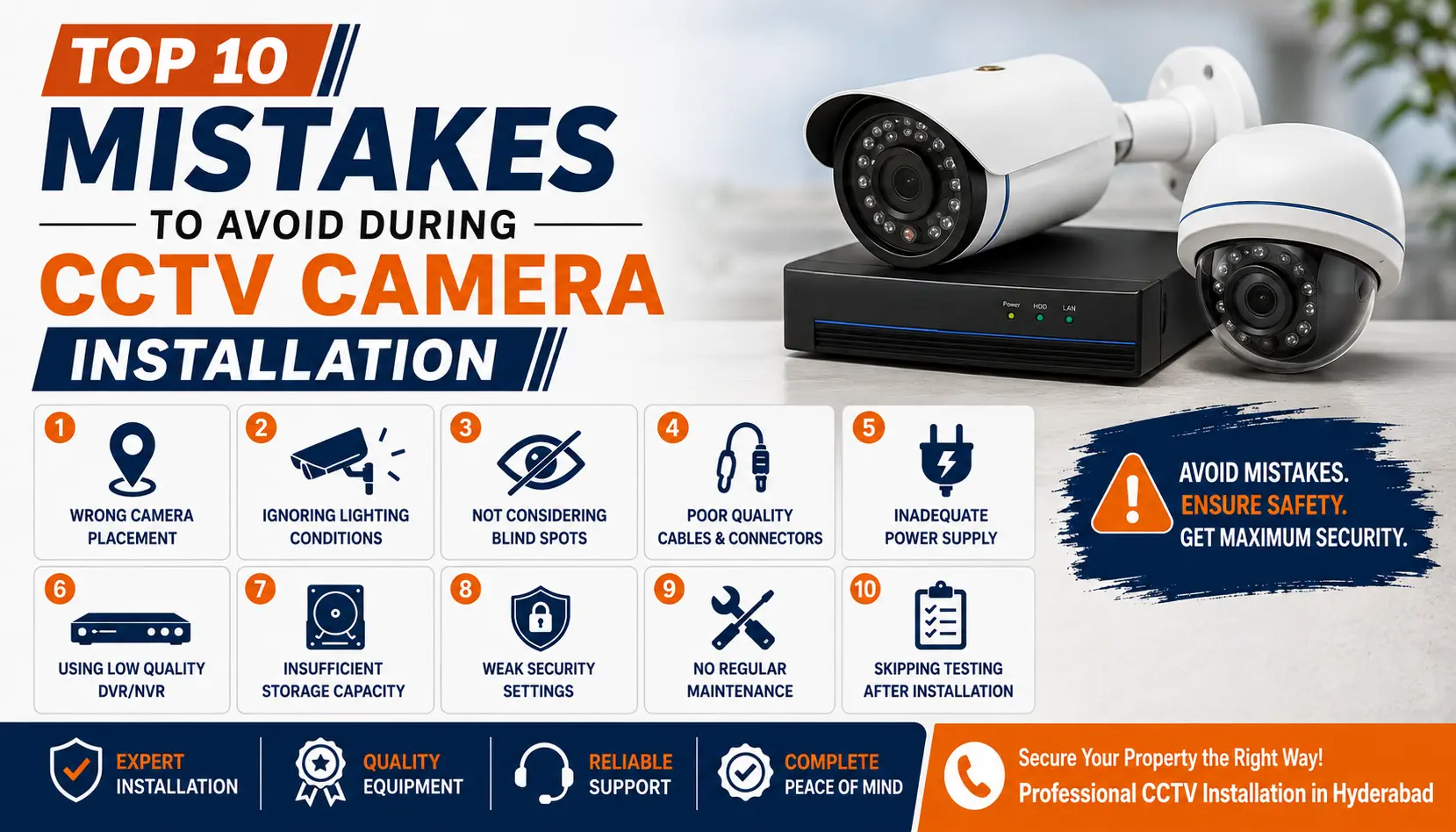
You bought good cameras. You paid a fair price. But six months later, the footage is blurry, there is a blind spot at the back gate, and the app keeps losing connection. This happens more often than you would think — and it is rarely the cameras fault.
Most CCTV problems start at installation, not at the product. A small mistake during setup can turn an expensive security system into a false sense of safety. In this guide, we walk through the 10 most common CCTV camera installation mistakes — and exactly how to avoid each one.
Whether you are installing cameras yourself or hiring a professional CCTV installation service, this checklist will help you get real, usable security — not just cameras on a wall.
- 1. Skipping the Site Survey
- 2. Choosing the Wrong Camera Type
- 3. Poor Camera Placement and Height
- 4. Using Low-Quality or Unbranded Cameras
- 5. Ignoring Cable Quality and Routing
- 6. Insufficient Storage and Recording Setup
- 7. Weak or No Network Planning
- 8. Skipping Legal and Privacy Considerations
- 9. DIY Installation Without the Right Expertise
- 10. No Maintenance Plan After Installation
- Quick Recap: 10 CCTV Installation Mistakes to Avoid
- FAQs
- Get It Right the First Time
1. Skipping the Site Survey
Many people jump straight to buying cameras before checking the property. This is the single biggest mistake in CCTV planning.
A proper site survey looks at:
- Entry and exit points
- Lighting conditions (day and night)
- Distance between the camera and the recorder
- Walls, trees, or objects that could block the view
Without this step, you end up with cameras pointed at walls, gaps in coverage, or wiring runs that cost more than they should. A short walkthrough before installation saves both money and headaches later.
2. Choosing the Wrong Camera Type
Not every camera suits every location. A common mistake is using one camera type for the entire property.
| Location | Better Camera Type |
|---|---|
| Long driveways, parking lots | PTZ or bullet cameras |
| Entry doors, lobbies | Dome cameras |
| Warehouses, factories | Weatherproof IP cameras |
| Homes with no wiring option | WiFi or SIM-based cameras |
Mixing camera types based on the actual location — not habit — gives far better results. Still deciding between a wired setup and a WiFi camera? Our wired vs wireless CCTV cameras comparison breaks down which one fits your property before you buy.
3. Poor Camera Placement and Height
Camera placement decides whether your footage is actually useful during an incident. Common placement mistakes include:
- Mounting cameras too high, so faces become unreadable
- Pointing cameras directly into sunlight or headlights, causing glare
- Leaving blind spots near side gates, staircases, or windows
- Installing cameras where trees or signage grow over time and block the view
A good rule: cameras should sit 8–10 feet high, angled slightly downward, with a clear, unobstructed line of sight. This range captures faces and number plates clearly, without being an easy target for tampering. For a full walkthrough on eliminating gaps in coverage, see our guide on how to position CCTV cameras to avoid blind spots.
4. Using Low-Quality or Unbranded Cameras
Cheap, unbranded cameras often fail within a year — grainy night footage, laggy apps, and no real customer support when something breaks.
Look for cameras that carry proper certification, like STQC-certified brands, and come with a genuine manufacturer warranty. Reliable brands such as CP Plus, Hikvision, and Dahua are widely used in airports, hospitals, and government buildings for a reason — consistent quality and long-term support. You can compare certified options on our CCTV camera brands page before deciding.
5. Ignoring Cable Quality and Routing
This mistake does not show up on day one — it shows up months later as flickering footage or a dead camera after the first heavy rain.
Common cabling errors:
- Using low-grade cables that degrade signal over distance
- Running cables through areas exposed to rain or direct sun
- Leaving cable joints exposed instead of using weatherproof connectors
- Not leaving slack for future maintenance
Good cabling is invisible when done right — no loose wires, no exposed joints, and cable runs protected from weather and rodents.
6. Insufficient Storage and Recording Setup
A camera is only as useful as its recorded footage. A frequent mistake is undersizing the hard disk or choosing the wrong recording mode.
Before installation, decide:
- How many days of footage you need to retain (7, 15, or 30 days is common)
- Whether you need continuous recording or motion-based recording
- Whether local storage (DVR/NVR) or cloud backup — or both — fits your needs
Running out of storage during the exact week you need footage is one of the most frustrating and preventable failures in CCTV setups. Not sure which recorder fits your camera type? Read our DVR vs NVR comparison before you finalize the setup.
7. Weak or No Network Planning
For IP cameras and remote viewing, network setup matters as much as the camera itself. Skipping this step leads to constant buffering, delayed alerts, or cameras that simply go offline.
Before installation, plan for:
- Router placement and WiFi signal strength at each camera location
- A dedicated bandwidth allocation if you are running many cameras
- Backup power or a UPS, so the system stays up during power cuts
For offices and large properties, this planning matters even more — see how it is handled in commercial CCTV installations, where uptime is critical for daily operations.
8. Skipping Legal and Privacy Considerations
CCTV installation is not just a technical job — it comes with responsibility. A commonly overlooked mistake is pointing cameras into a neighbors property, a public road beyond your boundary, or private spaces like washrooms and changing areas.
Before finalizing camera angles:
- Keep the field of view within your own property boundary
- Avoid covering shared spaces without informing other residents
- Follow workplace privacy norms if installing in an office
This single check can prevent disputes and keep your installation fully compliant.
9. DIY Installation Without the Right Expertise
Self-installation feels like it saves money, but it is a leading cause of poor CCTV performance. Without training, it is easy to miss weak signal zones, incorrect grounding, or software configuration errors that leave the system vulnerable.
Professional installation — like the setups handled for homes and residential communities — includes proper testing, secure configuration, and a walkthrough of the mobile app before the technician leaves. That extra step alone prevents most post-installation support calls.
10. No Maintenance Plan After Installation
The final, and most common, long-term mistake: treating CCTV as a one-time job. Cameras collect dust, hard disks fail, lenses fog up, and firmware needs updates. Without regular checks, you may not discover a faulty camera until after an incident — when it is too late.
A basic Annual Maintenance Contract (AMC) covers:
- Scheduled camera and DVR/NVR inspections
- Hard disk health checks
- Firmware and software updates
- Priority support for emergencies
Explore how an AMC maintenance plan keeps your system reliable long after the installation truck leaves.
Quick Recap: 10 CCTV Installation Mistakes to Avoid
- Skipping the site survey
- Choosing the wrong camera type
- Poor camera placement and height
- Using low-quality or unbranded cameras
- Ignoring cable quality and routing
- Insufficient storage and recording setup
- Weak or no network planning
- Skipping legal and privacy considerations
- DIY installation without the right expertise
- No maintenance plan after installation
Frequently Asked Questions
Get It Right the First Time
CCTV installation mistakes are easy to make and expensive to fix later. The good news: every mistake on this list is preventable with the right planning and the right team.
Smart Secures has completed 8,800+ CCTV installations across Hyderabad since 2016, with certified technicians, genuine STQC-certified cameras, and a free site visit before any work begins.
