
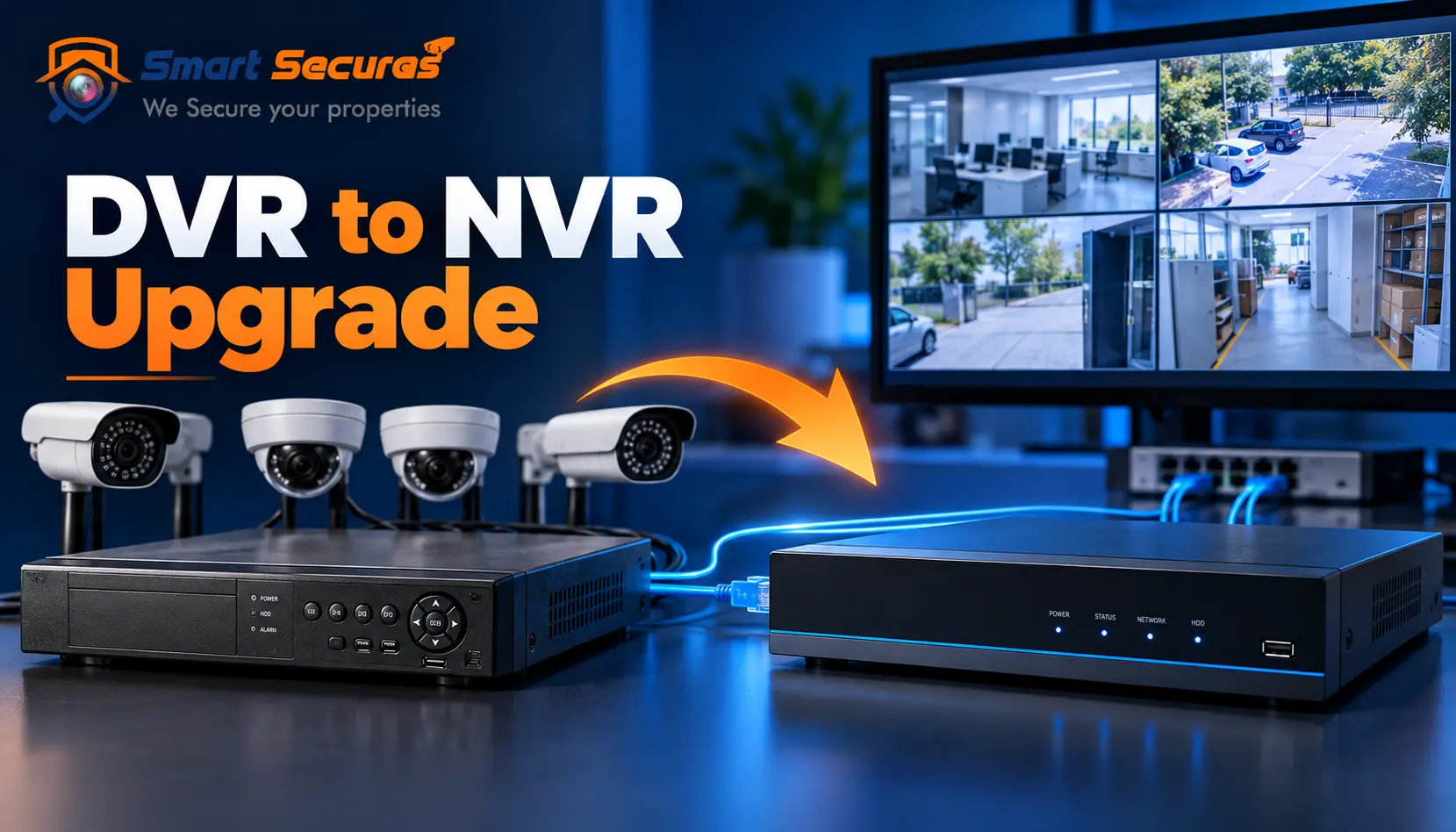
An older CCTV system often still has useful parts. The cabling may be in good shape, the brackets may be sound, and the power supplies may still work. That means you may not need to replace everything when you upgrade DVR to NVR. But you do need to check compatibility before you buy a recorder, because the wrong purchase is the most expensive mistake in this process.
This guide explains what you can usually keep, what you usually cannot, and three practical upgrade paths. It also covers cable reuse, cost factors and common mistakes. It is written for homes, offices and commercial properties in Hyderabad.
- Can You Upgrade a DVR to an NVR Without Replacing Everything?
- DVR vs NVR: What Is the Difference?
- Can You Reuse Your Existing CCTV Equipment?
- Three Ways to Upgrade a DVR System to an NVR
- Step-by-Step DVR to NVR Upgrade Process
- What Happens to Existing CCTV Cables During an Upgrade?
- How Much Does a DVR to NVR Upgrade Cost?
- Common DVR to NVR Upgrade Mistakes
- When Should You Replace Everything Instead?
- Is a DVR to NVR Upgrade Worth It for Offices and Commercial Properties?
- Hyderabad-Specific Considerations
- Practical Compatibility Checklist
- FAQs
- Conclusion
Can You Upgrade a DVR to an NVR Without Replacing Everything?
Partly, yes. An NVR normally records from IP cameras over a network, while a DVR records analog cameras. Analog cameras usually cannot connect directly to a standard NVR. You may keep suitable cabling and mounts, run the DVR during migration, or move cameras in stages.
DVR vs NVR: What Is the Difference?
A DVR (Digital Video Recorder) receives video from analog cameras, usually over coaxial cable. The recorder digitises and compresses the video itself.
An NVR (Network Video Recorder) receives video that IP cameras have already digitised. The cameras do the encoding, and the NVR records and manages the streams over a network.
Analog HD cameras (such as AHD, TVI and CVI formats) still send analog-type signals over coax. They need a DVR or hybrid recorder that supports that format. They are not IP cameras.
| Feature | DVR (analog / analog HD) | NVR (IP cameras) |
|---|---|---|
| Camera Type | Analog or analog HD | IP cameras |
| Video Processing | Done in the recorder | Done in the recorder |
| Typical Cabling | Coaxial plus separate power | Ethernet (often with PoE) |
| Resolution and Features | Depends on the format and recorder | Wide range, including higher resolutions and analytics on some models |
| Remote Viewing | Supported on most modern DVRs, set up through the recorder | Network-based, usually built in |
| Expansion | Limited by recorder channels and cabling | Flexible, within network and NVR limits |
| Network Demand | Low at the camera level | Higher, so bandwidth planning matters |
A note on image quality: An NVR does not automatically give better video than a DVR. A good analog HD camera can beat a poor IP camera. The camera sensor, lens, resolution, compression, recording settings and network all matter. IP systems simply offer a wider ceiling for resolution and features.
For a deeper comparison, read our guide on DVR vs NVR: key differences in security systems
Can You Reuse Your Existing CCTV Equipment?
Existing Analog CCTV Cameras
Conventional analog cameras generally cannot plug into a standard IP-camera NVR. The signal formats are different. Some specialised options exist, such as hybrid recorders or video encoders that convert analog signals to IP streams. Support depends on the exact equipment, so check models before you buy.
Existing CCTV Cables
Old coaxial cable can sometimes stay in service. It depends on the cables condition, its length, the camera technology and the equipment you choose.
- Analog or analog HD cameras on a DVR: coax is the normal connection.
- Standard IP cameras: these need Ethernet cabling (Cat5e or Cat6), not coax.
- Coax-to-network technologies: some paired transmitters and receivers carry IP data over coax. These are specific products, not generic adapters, and they have distance and compatibility limits.
Power Supplies and Adapters
Analog cameras usually run from a separate power supply or adapter. Many IP cameras use Power over Ethernet (PoE), which carries power and data over one Ethernet cable.
Only reuse an existing power supply if its voltage, current rating and polarity match the camera. A wrong match can cause poor performance or damage.
DVR and NVR Equipment
A DVR cannot become a standard NVR through a settings change. The hardware is built for different inputs. During a phased upgrade, though, the existing DVR can keep running its analog cameras while a new NVR handles the IP cameras.
Monitors, Routers and Other Accessories
These are often reusable if they are compatible:
- Monitors: check the available inputs (HDMI or VGA) against the new recorders outputs.
- Routers and switches: check ports, speed and whether they can handle the extra traffic.
- Racks and enclosures: often reusable if they have space and ventilation.
- Hard drives: check recorder compatibility, health, capacity and the recording period you need. Surveillance-grade drives are designed for continuous writing, so a worn drive is a poor candidate for reuse.
Three Ways to Upgrade a DVR System to an NVR
Option 1: Keep the DVR and Add IP Cameras Gradually
The analog cameras stay on the existing DVR. New IP cameras connect to a separate, compatible NVR.
- Benefits: Spreads the cost, keeps current coverage running, and causes low disruption.
- Limitations: Two recorders to manage, and you may need two places to view footage unless you use compatible software. The network must handle the new IP traffic.
Option 2: Choose a Hybrid Recorder
A compatible hybrid recorder may accept certain analog formats and a limited number of IP channels in one unit.
Hybrid support varies a lot by model. Check the supported analog formats, maximum resolution, IP camera protocol (such as ONVIF) and the number of IP channels. Not every hybrid recorder supports every camera.
Option 3: Replace the Recorder and Migrate Cameras in Stage
Install an NVR, then replace analog cameras with IP cameras over time. Suitable existing cabling, brackets and infrastructure are reused where it is technically possible.
This suits sites where the old cameras are poor quality or the DVR is failing, but the budget does not allow a single large replacement.
| Feature | Option 1: DVR + Separate NVR | Option 2: Hybrid Recorder | Option 3: NVR + Staged Migration |
|---|---|---|---|
| Complexity | Moderate | Low to moderate | Moderate to high |
| Reuse Potential | High (analog cameras stay) | High, if formats are supported | Depends on cabling |
| Advantages | Gradual spend, little downtime | One recorder, one interface | Clear path to a full IP system |
| Limitations | Two systems to manage | Model-dependent limits | Analog cameras stop working once their recorder is retired |
Step-by-Step DVR to NVR Upgrade Process
- 1. Audit the existing installation. List every camera, cable run, power source and the recorder.
- 2. Identify each camera. Note the technology, model and resolution.
- 3. Check cables. Record the type, condition, length and routing.
- 4. Decide what can be reused. Test cable runs before assuming they are fine.
- 5. Select a compatible NVR and IP cameras. Confirm channel count and protocol support.
- 6. Calculate PoE ports, bandwidth and storage. Higher resolution and more cameras raise all three.
- 7. Plan camera positions and network connections. Include switch locations and cable paths.
- 8. Back up important recordings and settings. Save footage and configuration details first.
- 9. Install and configure the new equipment. Set time, recording modes and user accounts.
- 10. Test everything. Check live view, recording, playback, night vision and remote access.
- 11. Verify security settings. Confirm date and time, user permissions and changed default passwords.
- 12. Keep the old system running until the new one is proven, where practical.
Electrical work and cabling should be handled by qualified personnel. If you would rather not manage this yourself, our CCTV installation services include an on-site audit.
What Happens to Existing CCTV Cables During an Upgrade?
Cable reuse is the biggest worry for most people, so here is the detail.
- Coaxial cable (analog cameras): Coax carries analog or analog HD video to the DVR. A standard IP camera cannot use it directly.
- Cat5e and Cat6 Ethernet: These are the normal cables for IP cameras. If you already have Ethernet runs, they may be reusable once tested.
- PoE connections: PoE sends power and data through one Ethernet cable, within the devices power and distance limits. This often removes separate camera power supplies.
- Coax with compatible transmission technology: Some products carry Ethernet or PoE-style signals over existing coax using matched pairs of devices. This can save re-cabling. It depends on the cables condition, its length and the exact products. These are specialised solutions, not a passive fix.
- Important distinction: A standard IP camera uses Ethernet. A coax-based IP system uses specific converters at both ends. A simple passive adapter does not make any old analog cable work with any IP camera.
- Testing and condition: Check for corroded or loose connectors, damaged jackets, water ingress and poor joins. These cause flicker, dropouts or no signal.
- Distance limits: Standard Ethernet is generally limited to around 100 metres per run. Coax runs can be longer, but quality drops with distance and cable grade.
- Do you need new cabling? Often some of it, but not always all of it. A site inspection tells you which runs pass testing.
How Much Does a DVR to NVR Upgrade Cost?
Costs vary widely by site, so we do not quote a range here. A fair estimate depends on these factors:
| Cost Component | What Affects It |
|---|---|
| Number of Cameras | Total cameras and how many become IP cameras |
| NVR | Channel capacity and features |
| Cameras | Resolution, lens type, night vision, analytics |
| Cabling and Accessories | New runs, conduits, connectors, converters |
| PoE Switch or Power Supplies | Number of ports and total power budget |
| Hard Drives | Capacity and the retention period you need |
| Labour | Site access, heights, routing difficulty |
| Reusable Infrastructure | Cables, brackets, monitors and racks that pass inspection |
A site inspection and compatibility check is the most reliable way to get a realistic figure. For ready-made options, see our CCTV camera packages.
Common DVR to NVR Upgrade Mistakes
- Buying an NVR before checking camera compatibility.
- Assuming analog cameras connect to every NVR. They do not.
- Replacing cables that are still fine. Test first.
- Reusing damaged cables. This causes intermittent faults that look like camera failures.
- Underestimating PoE power. Check the switchs total power budget, not just the port count.
- Choosing too few NVR channels. Leave room for expansion.
- Ignoring storage and bandwidth. Higher resolution fills drives and networks faster.
- Skipping backups of important footage.
- Leaving default passwords or insecure remote access. Change credentials and avoid exposing the recorder directly to the internet.
- Not testing playback before removing the old system.
When Should You Replace Everything Instead?
A full replacement can make more sense when:
- Cabling is badly damaged, water-affected or unreliable.
- Cameras are obsolete or give poor images.
- Equipment is unsupported or fails repeatedly.
- Coverage needs to change a lot, so most cameras would move anyway.
- You need advanced analytics or IP-specific features.
If most cameras and cables are sound, a staged upgrade is often more sensible. The right answer depends on the site, not a rule.
Is a DVR to NVR Upgrade Worth It for Offices and Commercial Properties?
It depends on infrastructure, security needs, retention period, future expansion and budget.
- Offices: Often benefit from network-based remote viewing and easier expansion.
- Shops and retail: A hybrid or phased approach can limit downtime during trading hours.
- Warehouses: Long cable runs and large areas make cable testing and coverage planning important.
- Apartment buildings: Many cameras and shared cabling routes favour careful phasing and a clear network plan.
- Schools: Several buildings and long retention needs make storage and network planning key.
- Factories and commercial facilities: Dust, heat and long distances make robust cabling and enclosures important.
Hyderabad-Specific Considerations
- Dust: Blocks lenses, clogs vents and loosens connectors. Plan cleaning and sealed enclosures.
- Outdoor heat: High temperatures stress recorders and cameras. Ensure ventilation and use equipment rated for the conditions.
- Monsoon moisture: Water gets into exposed connectors and joints. Inspect outdoor cable joints before reusing them.
- Exposed cabling: Check for sun-damaged jackets and rodent damage before assuming old runs are reusable.
Ongoing checks help here, and our CCTV AMC and maintenance plans cover routine inspection. For multi-camera sites, see our IP camera installation services. Resolution choice affects storage too, so read how to choose CCTV camera resolution.
Practical Compatibility Checklist
| Component | Can It Be Reused? | What Must Be Checked? |
|---|---|---|
| Analog CCTV Cameras | Sometimes, with a suitable hybrid setup | Camera format and recorder support |
| Existing Coaxial Cables | Sometimes | Condition, distance and transmission method |
| Ethernet Cables | Often, if suitable | Cable category, condition and distance |
| Camera Power Supplies | Sometimes | Voltage, current and polarity |
| Monitor | Often | Supported video inputs |
| Hard Drive | Sometimes | Compatibility, health and capacity |
| Router or Network Switch | Sometimes | Bandwidth, ports and network requirements |
| Mounting Brackets | Often | Camera compatibility and condition |
Frequently Asked Questions
Conclusion
You can often upgrade DVR to NVR without throwing everything away. Sound cabling, brackets, monitors and some network gear may carry over. The cameras and recorder are the main compatibility hurdle. Start with an audit, test your cables, and choose the upgrade path that fits your site.
If you would like a second opinion, Smart Secures can inspect your current setup in Hyderabad and tell you what is worth keeping. Contact us for a site assessment.
