
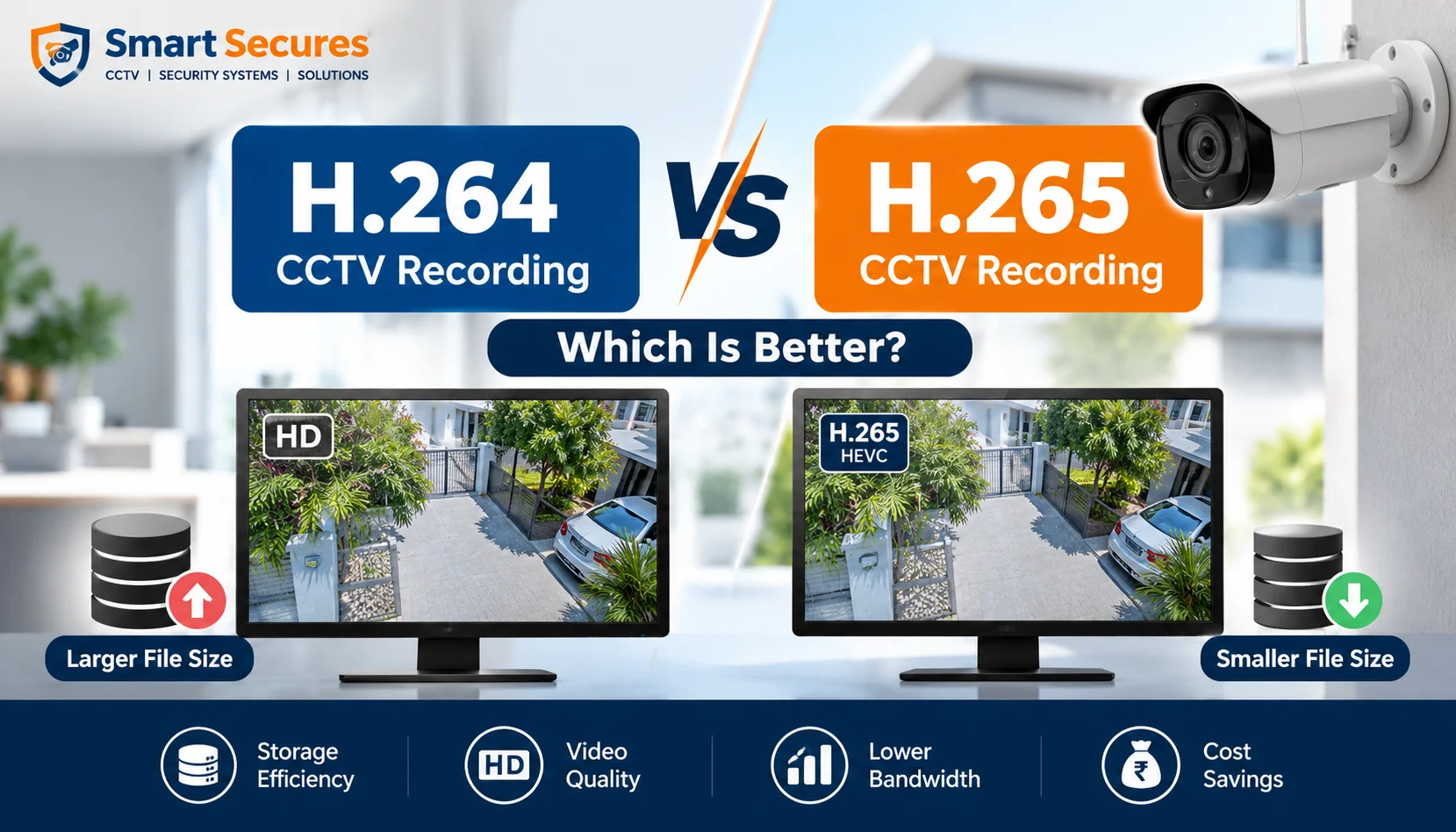
H.264 vs H.265 CCTV recording decides how many days of footage your system can store. In short, H.265 is better for most new systems. It records the same quality in about half the space. H.264 still wins on compatibility. This guide helps homeowners and business owners choose a DVR, NVR, or IP camera with confidence.
Key takeaways
- H.265 uses roughly 30–50% less storage than H.264 at similar quality.
- H.264 works with almost every recorder, phone, and app.
- H.265 needs a recorder and viewer that support it.
- H.265+ and other smart codecs save more, but test them first.
- For a new system, choose H.265. For an old recorder, stay with H.264.
Quick answer: which is better?
H.265 is better for most CCTV systems. It records the same image quality at roughly half the bitrate of H.264, so you can store up to 50% more footage on the same hard disk. Choose H.264 only if your DVR, NVR, or viewing software does not support H.265.
- What is video compression in CCTV?
- What is H.264 (AVC)?
- What is H.265 (HEVC)?
- H.264 vs H.265 CCTV: side-by-side comparison
- How much storage does H.265 save?
- Image quality and night footage
- Compatibility: will your recorder and phone work?
- What are H.265+ and smart codecs?
- When to choose H.264
- When to choose H.265
- Final verdict
- FAQs
- Conclusion
What is video compression in CCTV?
Video compression makes camera footage small enough to store. A camera captures many frames every second. Without compression, a 4MP camera would fill a hard disk in hours.
A codec (short for coder-decoder) solves this. It saves only what changes between frames.
A parked car is stored once. A person walking past is stored in detail.
What is H.264 (AVC)?
H.264, also called AVC, is the older standard. Almost every DVR, NVR, phone, and browser can play it. It is stable and light on processors.
The downside is size. H.264 needs a higher bitrate, so it uses more storage.
What is H.265 (HEVC)?
H.265, also called HEVC, is the newer standard. It uses larger, flexible blocks and better motion prediction. That means similar quality at a lower bitrate.
For example, a 4K camera that records at about 8 Mbps in H.264 can record the same quality at about 4 Mbps in H.265.
There is one catch. Playing back H.265 takes more processing power. Recording is easy, because the recorder simply stores a smaller file.
H.264 vs H.265 CCTV: side-by-side comparison
| Feature | H.264 (AVC) | H.265 (HEVC) |
|---|---|---|
| Bitrate | Higher | About 30–50% lower |
| Storage Use | More | Less |
| Image Quality | Good | Same or slightly better at equal bitrate |
| Compatibility | Almost universal | Needs supported recorder and app |
| Playback Load | Light | Heavier |
| Equipment Cost | Lower | Slightly higher on some models |
| Best For | Old systems, 2MP and below | New 4MP, 5MP, 8MP and 4K systems |
How much storage does H.265 save?
Here is a worked example. Assume 8 cameras at 4MP, recording 24/7 for 30 days. We assume H.264 runs at 4 Mbps per camera. Real bitrates vary with scene activity, frame rate, and settings.
| Codec | Bitrate per Camera | Storage per Day | 30 Days | Suggested Disk |
|---|---|---|---|---|
| H.264 | 4 Mbps | about 346 GB | about 10.4 TB | 12 TB |
| H.265 (30% Saving) | 2.8 Mbps | about 242 GB | about 7.3 TB | 8 TB |
| H.265 (50% Saving) | 2 Mbps | about 173 GB | about 5.2 TB | 6 TB |
That is a saving of up to 5 TB on one system. Always add about 10% headroom. To size your own disk, read our guide on how to choose the right hard disk size for your DVR/NVR.
Image quality and night footage
At the same bitrate, H.265 keeps finer detail such as faces and number plates. At the same quality, it needs less data. Tests show no major visible quality difference between the two in typical settings.
Bitrate matters more than the codec. Setting the bitrate too low causes blocky video in either codec. Night scenes carry more noise, which is harder to compress. So check your night footage after setup.
Resolution also changes storage needs. Our CCTV camera resolution guide compares 2MP, 5MP, and 8MP.
Compatibility: will your recorder and phone work?
This is where most people go wrong. Your camera and recorder must both support the codec.
Older NVRs built before about 2016 often support only H.264. If your recorder is that old, H.265 cameras may not record properly. Newer recorders usually handle both. Not sure which type you own? See our comparison of DVR vs NVR.
Phones and apps matter too. Most recent phones play H.265. Older phones may show a black screen or lag. Many cameras also send a lighter stream for live view, which solves most app problems.
What are H.265+ and smart codecs?
H.265+ is a smart mode built on H.265. It cuts bitrate further when a scene is quiet. Brands name these modes differently, such as H.265+ or Smart H.265.
The gains are real but not free. In one installer test, the most aggressive compression modes looked slightly choppy. Savings are also smaller in busy scenes. Major brands we install, such as Hikvision, CP Plus, and Dahua, offer smart codecs on selected models. Test one camera before enabling it everywhere.
When to choose H.264
Pick H.264 if:
- Your DVR or NVR does not support H.265.
- You are adding one or two cameras to an older system.
- Your viewers use old phones or old software.
- You run low-resolution cameras where storage is not a problem.
Upgrading an older analog setup? Check the recorders codec support first, then compare our HD camera packages.
When to choose H.265
Pick H.265 if:
- You are building a new system.
- You use 4MP, 5MP, 8MP, or 4K cameras.
- You want 30 days or more of recording.
- You need remote viewing on limited internet bandwidth.
Most new IP systems fit this list. Our IP camera packages are a good starting point.
Final verdict
For a new system, choose H.265. It cuts storage and bandwidth without a visible quality loss. Keep H.264 for older equipment or mixed systems. A good installer will confirm that your cameras, recorder, and apps all support the same codec.
Frequently Asked Questions
Conclusion
H.265 is the smarter choice for most new CCTV systems. It saves storage and bandwidth while keeping footage clear. If you are unsure whether your current recorder supports it, our team can check for you. Book a free site visit and CCTV installation in Hyderabad and we will recommend the right codec and hard disk size.
