
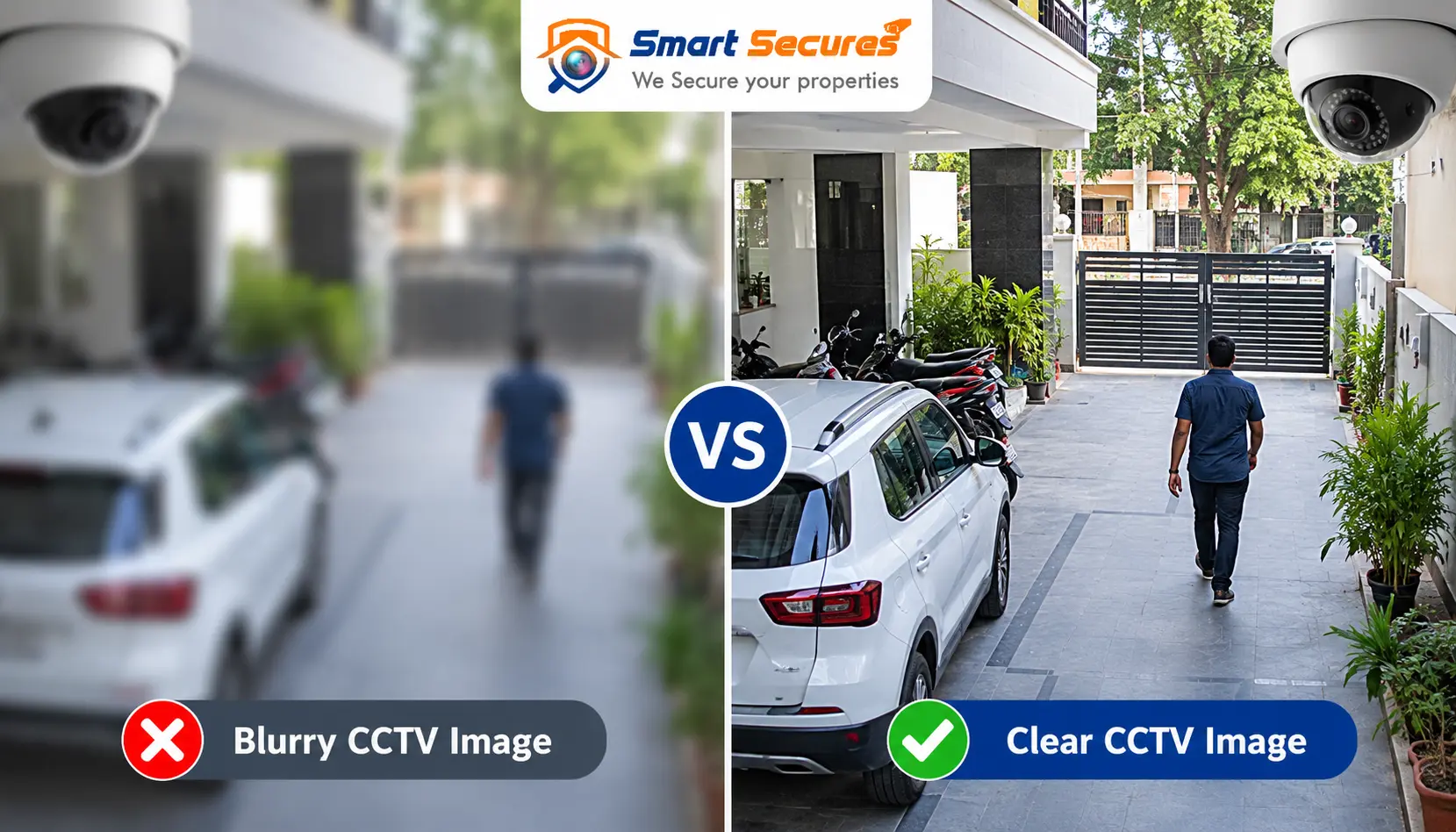
You open your recorder and the picture looks soft. You can’t read a number plate. A face is just a smudge. Or the image looks fine in daylight but turns into a hazy mess after dark.
A blurry security camera is one of the most common CCTV complaints, and it is often easy to fix. Sometimes it’s a dirty lens. Sometimes it’s a recorder setting, a loose cable or moisture inside the housing. Less often, the camera itself is failing.
This guide helps you work out which problem you have. It covers daytime and night blur, gives a clear fix for each cause, and tells you when it’s time to call a professional.
Quick Answer: Why Is My CCTV Camera Blurry?
A CCTV camera is usually blurry because of a dirty or fogged lens, poor focus, low light or glare, wrong resolution or recording settings, a damaged lens, a faulty cable, network problems, or failing hardware. Start with the simplest checks: clean the lens, check for moisture, then review focus and recorder settings.
10 Common Causes of Blurry CCTV Footage
1. Dirty CCTV Camera Lens
This is the first thing to check, and it is the most common cause of a sudden blur. Outdoor lenses collect dust, fingerprints, oil, insect residue and spider webs. Roadside and industrial areas add fine pollution that forms a thin film over the glass.
Symptoms: a hazy or washed-out image, bright halos around lights, and an image that got worse gradually.
How to clean it safely:- Switch off power if you can reach the camera safely. Use a stable ladder.
- Blow off loose dust with a soft brush or air blower.
- Wipe gently with a clean microfibre cloth.
- For oily marks, use a little lens-cleaning fluid on the cloth, not on the lens.
- Don’t use paper tissue, kitchen towels or household glass cleaner. They can scratch or leave streaks.
2. Camera Lens Is Out of Focus
An out-of-focus camera makes the whole picture look soft, even when the lens is clean.
This often happens after installation if the focus was set on a quick test and never checked on the recorded footage. Knocks, vibration and temperature swings can also shift the focus.
Many cameras use a varifocal lens, which lets the installer adjust zoom and focus. Fixed-lens cameras have a set focus and usually can’t be adjusted.
How to refocus a varifocal camera:- Open the live view on a monitor or phone.
- Loosen the focus and zoom screws on the lens slightly.
- Adjust zoom first to frame the scene.
- Turn the focus ring slowly until a distant object, like a sign or number plate, looks sharp.
- Tighten the screws and check the footage again.
Check the focus using the recorded image, not only the live view. A technician will usually do this on site with a test monitor.
3. Condensation or Moisture Inside the Camera
If the image looks foggy, milky or smeared, moisture may be trapped inside the camera.
Water gets in through worn seals, loose cable glands, cracked housings or unsealed joints. Rapid temperature changes then cause condensation on the inner glass.
Common triggers: monsoon rain, humid nights, cold air-conditioned areas next to hot outdoor air, and poorly sealed cable entry points.
If moisture clears by itself in the afternoon and returns at night, you probably have a sealing problem. Wiping the outside won’t help. A damaged or corroded camera usually needs professional servicing or replacement, because internal moisture can corrode the circuit board.
4. Poor Lighting or Backlighting
Cameras need light to make a sharp picture. Too little or too much both cause problems.
- Low light: the camera raises its sensitivity, which adds grain and softness.
- Backlight: a camera facing a bright window, doorway or the sun makes people look like dark shapes.
- Headlight glare: strong beams can wash out the scene.
WDR (Wide Dynamic Range) helps the camera balance very bright and very dark areas in the same scene. If your camera has it, turning it on can improve entrances and gates a lot.
Exposure settings (how much light the sensor collects) also matter. Wrong settings can cause either blur or over-bright images. Adding a light source or moving the camera angle often helps more than any setting.
5. CCTV Camera Blurry at Night
Why Is My CCTV Camera Blurry at Night?A CCTV camera blurry at night is usually caused by infrared (IR) reflection, a dirty dome cover, low light or incorrect exposure. At night the camera switches to IR mode. Any dirt, web or reflective surface near the lens can bounce that light back and blur the image.
Common night-time causes:- IR LEDs glaring back. IR light reflects off a nearby wall, pole or the camera’s own dome cover and washes out the image.
- Dirty dome or spider webs. Webs glow brightly under IR and can fill the picture with white streaks.
- Not enough light. Distant objects fall outside the IR range.
- Wrong exposure. Slow shutter settings cause motion blur.
- IR cut filter problems. This small filter moves in and out of the lens between day and night. If it sticks, colours look odd and the image is soft.
- Poor placement. A camera mounted too close to a wall reflects its own IR.
- Fog or haze. Mist scatters IR light and reduces clarity.
- 1. Clean the dome or lens, inside and out where possible.
- 2. Remove webs and insects from around the camera.
- 3. Tilt the camera slightly away from nearby walls or poles.
- 4. Check the exposure and IR mode settings.
- 5. If the area is too dark, add white light or a separate IR illuminator.
A blurry CCTV camera at night is often not broken, just poorly placed or dirty.
6. Incorrect Resolution or Video Settings
Sometimes the camera is fine and the recorder is the problem.
A high-resolution camera can still give poor recorded footage if the recorder is set to a lower resolution or a low bitrate. Here is what each setting does:
- Resolution: the number of pixels in the picture (for example 2 MP or 5 MP).
- Bitrate: how much data is used per second. Low bitrate means heavy compression and a blocky, smeared picture.
- Frame rate: how many pictures per second. Too low looks jerky, too high eats storage.
- Compression: how the video is squeezed to save space. Newer formats like H.265 save storage at similar quality. See our comparison of H.264 vs H.265 CCTV recording to understand the trade-offs.
Cameras usually send two video streams: a main stream (high quality, for recording) and a sub-stream (lower quality, for live view on phones). If you are judging quality from the sub-stream, the image will always look softer than the recording.
7. Damaged or Scratched Lens
A lens can wear out. Scratches, cracks, sun damage and ageing coatings all reduce sharpness.
In outdoor cameras, constant UV light and heat can cloud plastic covers over time. Cleaning won’t fix scratched glass or a yellowed dome.
Replace instead of repair when:- There are visible scratches or cracks.
- The image stays soft after cleaning and refocusing.
- The dome cover is cloudy or yellowed.
If the camera is old, it may be more practical to upgrade. Our guide to the different types of CCTV cameras can help you choose a suitable replacement.
8. Loose or Damaged CCTV Cable
Cable faults can look like blur, especially on analog systems.
- Loose BNC connectors cause flicker, lines or a washed-out picture.
- Damaged coaxial cable from rodents, sun or water causes noise and weak signal.
- Poor RJ45 termination on IP cameras causes drops or low speed.
- Long cable runs reduce signal strength, especially with low-quality cable.
- Water in connectors corrodes the metal and degrades signal.
Check: gently press each connector and see whether the image changes. Look for kinks, cuts, green corrosion or damp joints. A cable that is loose, rusty or damaged usually needs replacement rather than a temporary fix.
9. DVR/NVR or Network Problems
Not every “blurry” image is a camera problem. It helps to separate two things:
the live image itself is blurry. - Recording or network problems: the live view is sharp, but playback is blocky or choppy.
For IP cameras, check these:
- Network instability or packet loss: data gets lost on the way, causing pixelation.
- Low bandwidth: too many cameras on a weak switch or Wi-Fi link.
- PoE issues: weak Power over Ethernet can make cameras reboot or reduce performance.
- NVR settings: the recording stream may be set to a lower quality.
Your recorder type also matters. If you aren’t sure how they differ, see our guide to DVR vs NVR systems. When one camera is fine and another isn’t, compare their settings side by side.
10. CCTV Camera Hardware Is Failing
Cameras do not last forever. If you have tried everything else, the camera itself may be failing.
Signs:- The image slowly gets worse over weeks or months.
- Blur stays after cleaning and refocusing.
- Focus won’t hold.
- Night vision fails or looks patchy.
- Colours look pink, green or washed out.
- The video cuts in and out.
If a camera is several years old and keeps misbehaving, replacing it is usually cheaper than repeated repairs. A technician can confirm whether the sensor, lens or electronics are at fault.
Troubleshooting Table: Quick Diagnosis
| Problem | Possible Cause | Quick Fix |
|---|---|---|
| Image suddenly blurry | Dirty lens | Clean lens |
| Blurry at night | IR reflection | Clean dome / adjust angle |
| Entire image out of focus | Focus issue | Adjust focus |
| Foggy image | Condensation | Dry/service camera |
| Pixelated image | Low bitrate/resolution | Check recording settings |
| Lines/noise | Cable problem | Check cable/connectors |
| IP camera freezes | Network/PoE issue | Check network and PoE |
| Blur remains after cleaning | Hardware/lens damage | Professional inspection |
Day vs Night: What Changes?
| Issue | Daytime | Nighttime |
|---|---|---|
| Dirty lens | Common | More noticeable |
| IR reflection | Usually absent | Common |
| Poor lighting | Less noticeable | Major issue |
| Focus problem | Visible | More noticeable |
| Condensation | Possible | Can worsen |
| Headlight glare | Sometimes | Common |
How to Fix a Blurry CCTV Camera: Step-by-Step
- 1. Check how many cameras are affected. One blurry camera points to that camera. Many blurry cameras point to the recorder, network or power.
- 2. Clean the lens or dome. Use a microfibre cloth and a soft brush.
- 3. Check for condensation. Look for fog inside the glass.
- 4. Check the focus. Adjust a varifocal lens slowly and test on the recorded view.
- 5. Check lighting. Look for glare, backlight or dark corners.
- 6. Check IR and night vision. Look for webs, reflections and nearby walls.
- 7. Check camera resolution. Make sure it is set to the camera’s native resolution.
- 8. Check DVR/NVR recording settings. Review bitrate, frame rate and stream selection.
- 9. Check cables and connectors. Look for loose, rusty or damaged parts.
- 10. Check network and PoE. For IP cameras, test the switch, cable and power budget.
- 11. Restart the camera or recorder. A simple reboot can clear temporary glitches. Don’t repeatedly power-cycle a camera with suspected moisture damage.
- 12. Call a CCTV professional if the problem remains.
When to Call a CCTV Professional
DIY checks solve many problems, but some need a technician with the right tools. Consider calling for help if:
- The camera has moisture inside.
- The lens is scratched, cracked or cloudy.
- The camera keeps losing focus.
- Cables need replacing or re-terminating.
- PoE or network issues keep returning.
- Several cameras are affected.
- Recorded quality stays poor even after checking settings.
- Night vision has stopped working.
- The camera needs a better position or angle.
- The camera is old and worth replacing.
If cleaning, refocusing and troubleshooting don’t solve the issue, a professional CCTV installation and service team in Hyderabad can inspect the camera, cabling and recorder. A regular CCTV AMC and maintenance plan can also catch dirt, loose connectors and focus drift before they affect your footage.
Hyderabad-Specific Advice
Local conditions affect how quickly a CCTV image degrades.
- Dust and pollution: Construction sites, busy roads and industrial areas leave fine dirt on lenses. Outdoor cameras may need cleaning more often than you expect.
- Heat: Strong summer sun can age plastic covers and seals faster, and it can stress cheaper cameras.
- Humidity and monsoon moisture: Heavy rain and damp air test camera seals. Cable glands and outdoor joints are common weak points.
- Commercial buildings: Glass frontages, bright lobbies and parking areas create tricky lighting, so backlight and glare often need WDR or repositioning.
If you are planning a new or replacement setup, our CCTV camera packages can be a useful starting point, and a site visit helps match cameras to your conditions.
Frequently Asked Questions
Conclusion
A blurry security camera is rarely a mystery. Work from the simple to the complex: clean the lens, check for moisture, set the focus, review lighting and night settings, then check the recorder, cables and network. Most problems show up in those steps.
If the camera still looks soft, the cause may be inside the housing, the lens or the wiring, and those fixes are best left to a technician. For ongoing clarity, regular cleaning and checks go a long way, especially in dusty, hot or humid conditions.
