
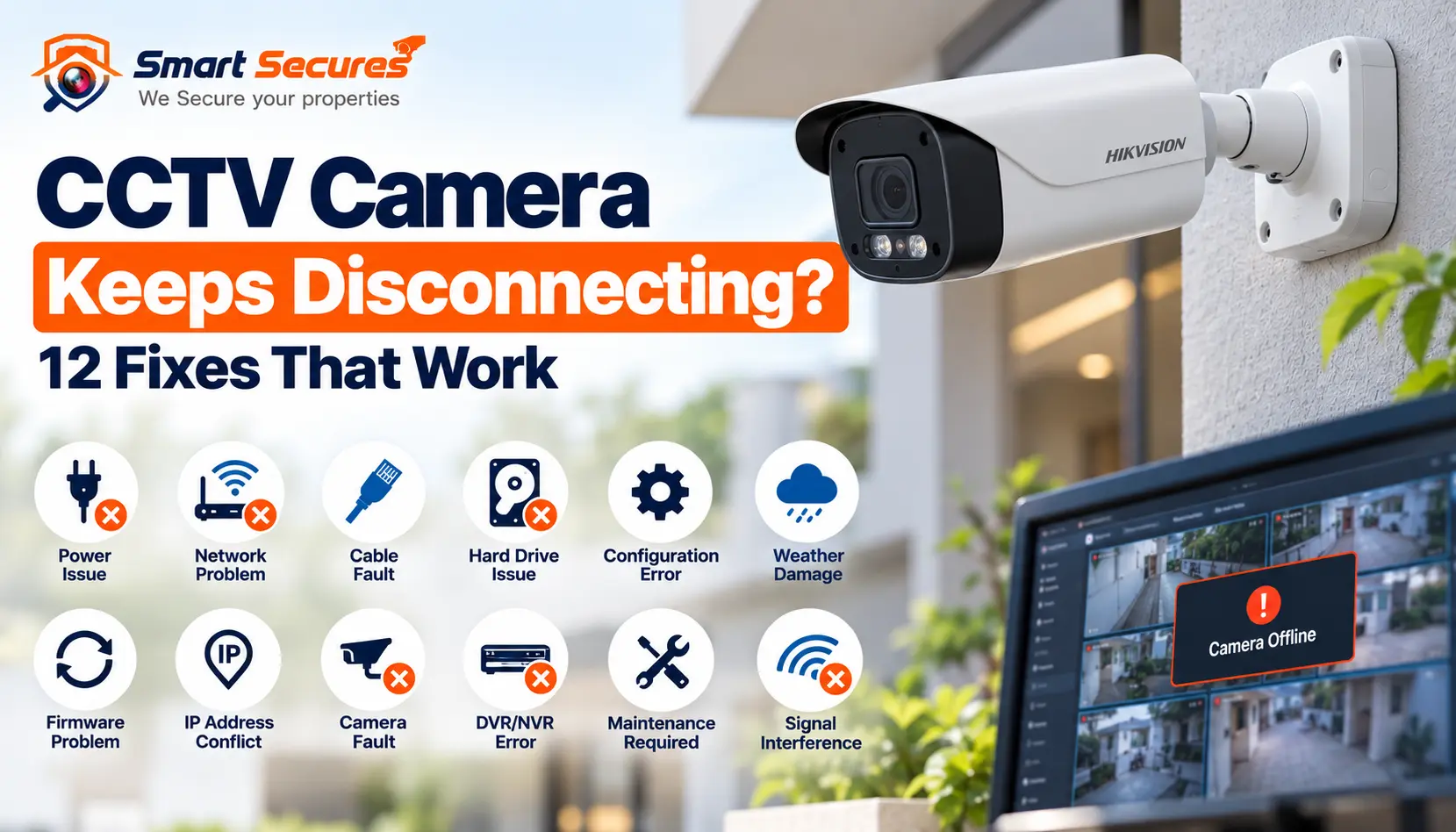
A CCTV camera that keeps disconnecting is rarely just "faulty." Repeat drops usually trace back to one of eight areas: power, cabling, PoE, the router or switch, IP settings, heat or moisture, the DVR/NVR, or the camera itself.
The key is to read the pattern. A camera that drops at night, after a power cut, or together with three others points to a different cause each time. This guide helps you match your symptoms to a likely cause, try safe fixes in order, and know when to call a technician.
Camera offline right now? Start with our guide to why a CCTV camera goes offline. Come back here if it keeps dropping again.
At a Glance: Check These First
If your CCTV camera keeps disconnecting, check these in order:
- 1. Power supply (adapter, connector, shared power box)
- 2. Cable and connectors (RJ45, BNC, DC)
- 3. PoE port or switch
- 4. Wi-Fi signal (wireless cameras only)
- 5. Router and internet
- 6. IP address (conflicts and changes)
- 7. DVR/NVR status and settings
- 8. Camera hardware and firmware
Quick rule: one camera dropping usually points to that cameras power, cable or port. Several cameras dropping together usually point to the switch, router, power box or recorder.
- Why Does a CCTV Camera Keep Disconnecting?
- 12 Common Reasons Your CCTV Camera Keeps Disconnecting
- How to Troubleshoot a CCTV Camera That Keeps Disconnecting
- IP Cameras vs HD/Analog Cameras: How Troubleshooting Differs
- Quick Diagnostic Table
- When to Call a CCTV Professional
- FAQs
- Get Help if Cameras Keep Dropping
Why Does a CCTV Camera Keep Disconnecting?
A CCTV camera keeps disconnecting when its power or data link is interrupted again and again. The break can sit on the camera side, the network side or the recorder side. Do not assume every "offline" message has the same cause.
| Area | Common Causes | What You Can Check |
|---|---|---|
| Camera Side | Weak adapter, loose connector, damaged cable, overheating | Status LED, connectors, cable, housing temperature |
| Network Side | Weak Wi-Fi, router restarts, IP conflict, congestion, network loop | Router lights, camera IP address, another network port |
| Recorder Side | PoE port fault, NVR overload, firmware bug, hard disk problem | NVR camera status page, another PoE port, NVR event log |
12 Common Reasons Your CCTV Camera Keeps Disconnecting
1. Unstable or Underpowered Power Supply
Cause: An ageing adapter, a shared power box carrying too many cameras, or mains voltage dips.
Symptoms: The camera reboots, the IR lights flicker, or drops happen mostly at night, when infrared LEDs draw more power. Cameras on the same power box may drop together.
Check: Match the adapters voltage and amp rating to the camera. Swap in a known-good adapter. Note if the adapter runs very hot.
Fix: Replace weak adapters. A small UPS on the recorder, router and switch protects against dips and short cuts.
Call a professional if: one power box feeds many cameras, or long DC cable runs may be losing voltage.
2. Loose or Poorly Crimped Connectors
Cause: RJ45, BNC or DC connectors that have worked loose or were crimped badly.
Symptoms: Drops when the wind blows, the cable moves or someone touches it. The camera returns when you press the connector.
Check: While watching live view, gently wiggle each connector at the camera and recorder ends. Do not pull.
Fix: Re-seat the connector. Re-crimp bad ends. Outdoors, keep joints inside a sealed junction box.
Call a professional if: the connector is inside a wall, conduit or ceiling, or out of safe reach.
3. Damaged, Low-Quality or Overlong Cable
Cause: Cuts, water ingress or rodent damage. Cheap cable, such as copper-clad aluminium (CCA), also causes trouble. So does an Ethernet run beyond the standard 100-metre limit.
Symptoms: The camera works near the recorder but fails at its real location. Drops increase in rain.
Check: Connect the camera to the recorder with a short, known-good cable. If it stays stable, the installed cable is the problem.
Fix: Replace damaged sections. Use proper solid-copper cable. For very long runs, add a switch or extender partway.
Call a professional if: the fix means re-cabling or opening walls.
4. PoE Overload or a Failing PoE Port
Cause: PoE (Power over Ethernet) sends power and data through one cable. Drops happen when total camera load exceeds the switch or NVR power budget, or when one port is failing.
Symptoms: Several cameras drop after dark when IR turns on. One port stays dead while others work.
Check: Add up each cameras wattage from its datasheet and compare it with the PoE budget. Move the camera to another port and see whether the fault follows the camera or the port.
Fix: Reduce the load, or move to a switch with a higher PoE budget.
Call a professional if: you run 8 or more PoE cameras, where budget planning matters.
5. Weak or Congested Wi-Fi (Wireless Cameras)
Cause: Distance, thick walls, interference or too many devices on the network. Many cameras also work only on 2.4 GHz.
Symptoms: Drops in the evening when the household is online. Low signal bars at the camera spot.
Check: Hold a phone at the cameras exact location and check its Wi-Fi strength.
Fix: Move the router closer or add a mesh node or access point. Give the 2.4 GHz and 5 GHz bands different names. Read our comparison of wired and wireless CCTV cameras if you are deciding whether to switch.
Call a professional if: several wireless cameras keep dropping, or the site is large.
6. Router Restarts or Internet Drops
Cause: The router hangs, restarts on its own, or your internet provider has short outages.
Symptoms: The phone app shows offline at the same times other devices lose internet. The cameras still record and show live view on the recorder.
Check: Do other devices drop at the same moment? Is live view on the recorders own screen fine?
Fix: Restart the router. Keep it on a UPS. If drops repeat, contact your internet provider.
Call a professional if: cameras do not rejoin after a router restart, or remote viewing needs port forwarding or DDNS.
7. IP Address Conflict
Cause: Every device needs its own IP address. A conflict happens when two devices share one. New cameras from the same brand often ship with the same default address.
Symptoms: A camera drops and returns at random. Two cameras flicker in turn.
Check: Compare the IP list in the NVR or router for duplicates.
Fix: Give each camera a unique static IP outside the routers automatic (DHCP) range.
Call a professional if: you are not comfortable changing network settings.
8. IP Address Changes After a Power Cut or Router Reset
Cause: With DHCP, the router hands out addresses automatically. A camera set to automatic can get a new address after a reboot, while the recorder keeps looking for the old one.
Symptoms: Cameras drop after a power cut and stay offline until re-added.
Check: Compare each cameras current IP with the address saved in the NVR.
Fix: Use a static IP or a DHCP reservation so the address never changes.
Call a professional if: you have many cameras and no clear address plan.
9. Network Congestion and Bandwidth Limits
Cause: Too many high-resolution streams share one link, one Wi-Fi channel or an office network.
Symptoms: Drops during busy hours. Live view lags before it disconnects.
Check: Do the drops match busy hours? Look at each cameras bitrate and frame rate.
Fix: Lower bitrate or frame rate a little. Use the sub-stream for multi-camera views. Put CCTV on its own switch.
Call a professional if: the CCTV shares a busy office network and needs separating.
10. Network Loop or Faulty Switch
Cause: A cable plugged from one port of a switch into another port of the same switch creates a loop. A cheap or overheating switch can cause similar drops.
Symptoms: Many cameras, and often other devices, drop together. Everything returns after the switch restarts.
Check: Recall any recent cable changes. Trace cables between switches. Restart the switch.
Fix: Remove the loop. Replace a failing switch with one built for 24/7 use.
Call a professional if: the fault returns after you remove the obvious cause.
11. Overheating and Moisture
Cause: Direct sun, sealed housings, humidity, or water inside connectors and junction boxes.
Symptoms: The camera works in the morning and drops in afternoon heat. Or it drops after rain or high humidity and recovers once dry. In Hyderabads hot summers and monsoon humidity, outdoor connectors and adapters are common weak points.
Check: Feel the housing. Check the cameras rated temperature range. Open the junction box and look for water or green corrosion.
Fix: Add shade and airflow. Reseal with weatherproof glands. Replace corroded connectors.
Call a professional if: the camera is at height or needs re-mounting.
12. Firmware Problems or Hardware Faults
Cause: Firmware bugs, a camera and NVR that do not pair well, an NVR running slowly after long uptime, or a failing camera, recorder or hard disk.
Symptoms: Drops began after an update. The NVR is slow, restarts, or shows storage warnings.
Check: Read the NVR event log for disconnect times. Compare firmware with the latest from the manufacturer. Swap the camera with a known-good one to test.
Fix: Update firmware only from the manufacturer or an authorised dealer, and never during unstable power.
Call a professional if: the same camera fails on another port, with another cable and power source. A hardware fault is then likely, so check the warranty.
How to Troubleshoot a CCTV Camera That Keeps Disconnecting
- Note the pattern. Record when it drops (time, weather, after a power cut), how many cameras are affected, and how long they stay offline.
- Check power. Look at the status LED. Try another adapter or socket.
- Check the cable and connectors. Look for damage. Test with a short, known-good cable near the recorder.
- Test another PoE or network port. Note whether the fault follows the camera or the port.
- Check the router and network. Restart the router and switch. See whether other devices drop too.
- Check IP settings. Compare the cameras IP with the recorders list. Look for duplicates. Set a static IP.
- Check the DVR/NVR. Open the status page and event log. Check storage and temperature. Reboot it cleanly.
- Update firmware if appropriate. Do this only from an official source, with stable power.
- Call a CCTV professional if the problem continues.
Tip: Keep a simple log with date, time, camera name and any power or weather event. It helps a technician find the cause faster.
IP Cameras vs HD/Analog Cameras: How Troubleshooting Differs
IP cameras connect over a network cable or Wi-Fi to an NVR. Repeat drops usually involve the network, PoE or IP settings. The recorder shows "offline."
HD/analog cameras connect to a DVR through coaxial cable with BNC connectors, and usually take power from a separate 12V adapter. Repeat drops usually involve:
- Poor BNC crimps or damaged coaxial cable
- Overloaded or weak power supplies
- Voltage loss on long power runs
- A faulty DVR channel
- Interference on the video line
Instead of "offline," an HD camera often shows "video loss," a black screen, or flickering lines.
For a fuller comparison, see how IP and HD cameras differ. If you plan to upgrade a system that keeps failing, compare IP camera packages with HD camera packages.
Quick Diagnostic Table
| What You See | Possible Cause | First Thing to Check |
|---|---|---|
| Camera Completely Offline | Power or network | Power, then network |
| Camera Disconnects Randomly | Network, power or connector | Router, PoE port, connectors |
| Works by Day, Drops Later | Heat, power or network | Temperature and power |
| Drops at Night | Power draw from IR, PoE budget | Adapter or PoE budget |
| Several Cameras Drop Together | Switch, router, PoE or NVR | Switch, router, recorder |
| Only One Camera Drops | Camera, cable or port | Cable and camera port |
| Drops After a Power Cut | IP address change | Camera IP vs NVR record |
| Drops in Rain or Humidity | Moisture in connectors | Junction box and joints |
| App Offline, Recorder Live | Internet or router | Router and internet |
These are possible causes, not diagnoses. Test one at a time.
When to Call a CCTV Professional
Basic checks solve many cases. Some safe DIY steps are restarting devices, re-seating connectors, swapping an adapter and noting IP addresses. Leave the following to a technician:
- Repeated drops after replacing the cable
- Several cameras offline at once
- A suspected PoE switch failure
- Network or IP planning across many cameras
- Damaged cable inside walls or conduit
- Mains wiring, or work at height
- Suspected camera or recorder hardware failure
- A business system that cannot afford downtime
Repeat disconnections often trace back to installation basics: unsealed outdoor joints, undersized power supplies and overlong cable runs. A CCTV AMC and repair service is built for recurring faults like these.
Frequently Asked Questions
Get Help if Cameras Keep Dropping
Choosing between 2MP, 5MP, and 8MP does not have to be a guessing game. Book a free site visit with Smart Secures, and our certified technicians will assess your property, recommend the right resolution mix, and put together a CCTV or IP camera package that fits your budget and security needs — no pressure, no obligation.
