
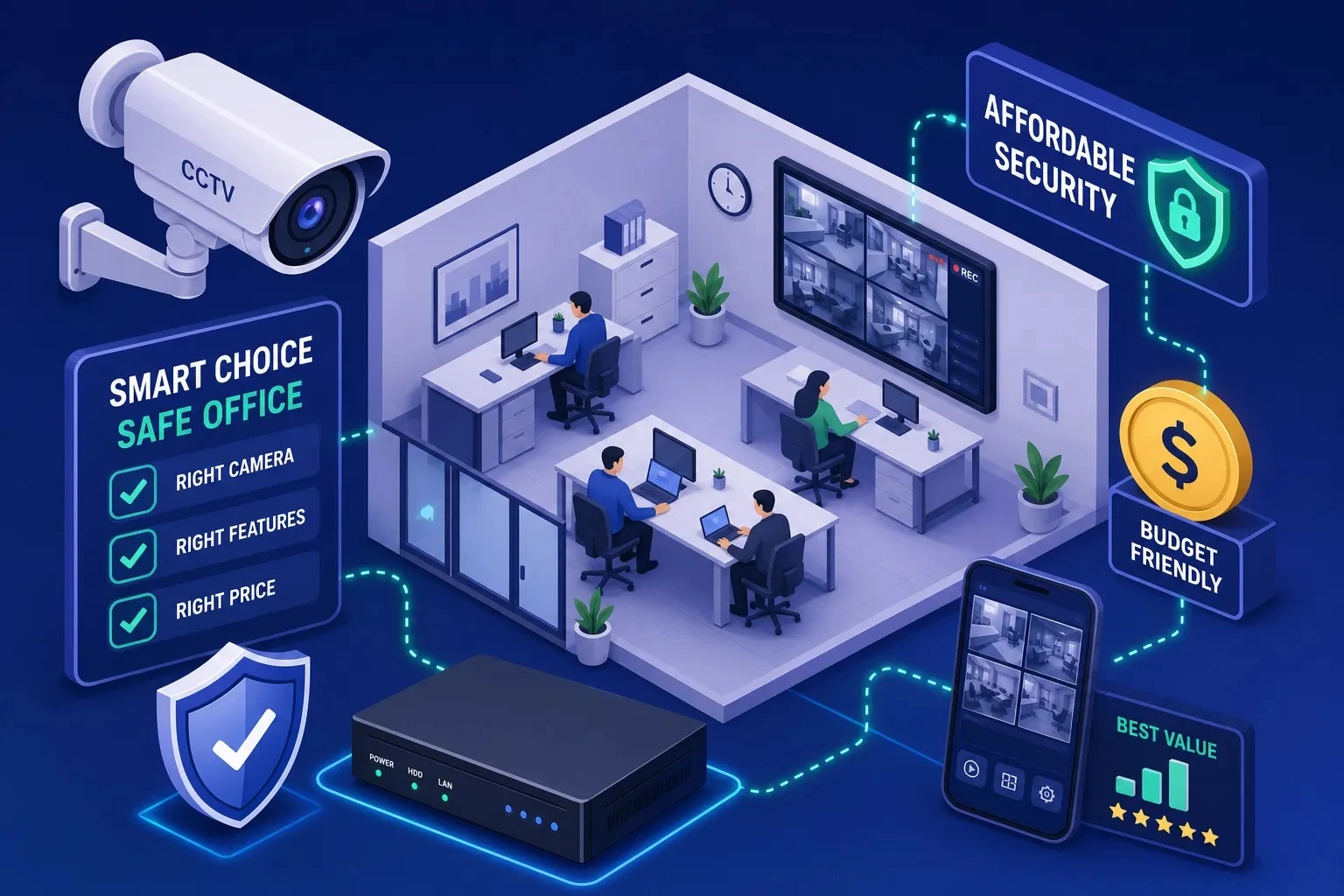
Most office owners in Hyderabad make the same two mistakes when buying a CCTV system.
They either overspend on a warehouse-grade system they do not need. Or they grab the cheapest kit online — and spend the next three months dealing with grainy footage and a DVR that keeps dropping out.
Neither outcome is acceptable when office security is on the line.
This guide covers everything you need to know before choosing CCTV cameras for offices in Hyderabad — how many cameras you need, key specs, how long footage lasts on a standard hard drive, and the real cost of a fully installed system in Hyderabad in 2026.
By the end, you will know exactly what to ask for — and what a fair price looks like
- How Many CCTV Cameras Does an Office Need?
- IP Cameras vs Analogue Cameras: Which System Is Right for Your Office?
- When Analogue Cameras with a DVR Make Sense
- When IP Cameras with an NVR Are Worth the Extra Cost
- What a Complete CCTV Kit for an Office Should Include
- Camera Resolution: What You Actually Need in 2026
- Night Vision: What to Look For
- Storage: How Long Will Your Footage Last?
- CCTV System Costs in Hyderabad: What to Budget in 2026
- Installation Charges: What to Expect
- How to Avoid Buying the Wrong CCTV System
- Questions to Ask Any Vendor Before You Pay
- Why a Physical Site Visit Changes Everything
- FAQs
- The Right CCTV Setup Starts with the Right Advice
How Many CCTV Cameras Does an Office Need?
The biggest mistake buyers make is guessing camera count based on room count.
You are not trying to cover every square metre of your office. You are covering specific spots where problems are most likely to happen. That list is shorter than most people expect.
Start with a floor plan sketch, not a product catalogue. Mark each access point. Mark each area where staff handle valuables or cash. Mark every spot where you would want footage if something goes wrong.
This is exactly where professional CCTV camera installation in Hyderabad makes a difference — an experienced installer will identify blind spots and coverage gaps that most buyers miss when planning on their own.
The Coverage Points That Matter Most in Any Office
Regardless of office size or layout, the same categories of coverage points apply:
Entry and exit points
Every door used by staff, visitors, or delivery personnel needs a camera positioned at a face-capture angle. Aim for at least 80 pixels across the face in the frame. A correctly placed 1080p camera achieves this for most indoor entry points.
Reception or cash-handling areas
The camera here should capture both hands and faces at close range. If you handle payments on-site, make this your highest-priority coverage point.
Common corridors and internal pathways
Hallways connecting different departments or floors are high-traffic zones that often get overlooked.
Server rooms, stockrooms, or restricted areas
Any space with sensitive assets or restricted access warrants dedicated coverage.
Parking lots or building perimeter
For ground-floor offices or offices with private parking, outdoor cameras can add protection. These cameras should have weather-resistant housings. They should also have longer night vision.
The number of cameras you need depends on your specific layout, not a generic formula. A compact open-plan office may need two cameras at opposing angles to eliminate blind spots. A multi-floor corporate office may need twenty.
IP Cameras vs Analogue Cameras: Which System Is Right for Your Office?
Vendors often push IP and NVR systems hard. Before you commit, understand the real trade-offs.
The choice comes down to three things: your existing cabling, your budget ceiling, and whether you plan to expand the system later. Understanding the difference between IP cameras vs HD cameras upfront will save you from buying the wrong system entirely.
When Analogue Cameras with a DVR Make Sense
Analogue cameras connected to a Digital Video Recorder (DVR) are the lower-cost entry point.
If your office already has coaxial cables in the walls, a DVR-based analogue setup works well.
If you want to spend as little as possible, a DVR-based analogue setup works well.
Image quality at close range is good for identifying faces in standard indoor lighting.
The hardware is also easy to replace or service.
Entry-level 4-channel DVRs in Hyderabad are priced between ₹2,500 and ₹4,000. That keeps the overall kit cost manageable.
One spec you should not compromise on: choose H.265 or H.265+ compression on the DVR regardless of price point. It significantly extends how long your footage lasts on a given hard drive, and most current models in this price range support it.
When IP Cameras with an NVR Are Worth the Extra Cost
If your office is new, has Ethernet cables installed, or you plan to add cameras soon, an NVR-based IP system is best.
PoE (Power over Ethernet) cameras run both power and data over a single cable. This simplifies installation and makes expansion far less disruptive. When you need to add a camera, you plug it into the network — no rewiring required.
The upfront cost is higher. But the long-term flexibility is genuine, and you cannot retrofit it cheaply into an analogue system later.
What a Complete CCTV Kit for an Office Should Include
A CCTV kit is only as good as its weakest component.
Many budget bundles sold online include cameras that look good on paper. But they often perform poorly in low light. Some lenses also miss half the area you meant to cover. Knowing the minimum acceptable specifications protects you from buying something you will want to replace within a year.
Camera Resolution: What You Actually Need in 2026
For office use in 2026, 2MP (1080p) is the minimum, and 4MP is the practical sweet spot.
At 2MP, faces and identifying details are clear at close range under decent lighting. At 4MP, you get meaningfully better clarity at entry points and in wider spaces where subjects are further from the lens.
Higher resolutions like 4K are available. They may be worth the cost in some cases. Use them for large open floors and vehicle monitoring areas.
They also help when you often need to zoom into footage. For most office environments, 4MP delivers excellent results without the storage overhead of 4K.
Night Vision: What to Look For
Night vision should extend to at least 20 to 30 metres with IR for standard indoor office use.
If you want legible, colour footage at the entrance without the greenish IR tint, look for cameras with colour night vision.
It costs a little more, but it records footage that is truly useful in low light. It is more practical when you need to identify a face. It also helps you read a number plate in dim light.
Reliable brands at this specification level include CP Plus, Hikvision, and Dahua. If you are procuring for a government-adjacent environment or an institution, verify the specific models certification status directly with your supplier. Regulatory requirements for internet-connected cameras in Hyderabad tightened in 2026.
Storage: How Long Will Your Footage Last?
This is where most buyers get surprised after installation.
With H.265 compression and standard bitrate settings:
- Cameras record 24/7 at 1080p.
- Storage is 1TB HDD retention.
- 2 cameras: about 18 to 25 days.
- 4 cameras: about 10 to 14 days.
- 8 cameras: about 5 to 7 days.
These are estimates. Confirm the exact figures with your installer based on your chosen cameras and bitrate settings.
If your office only needs 7 days of footage retention, a smaller drive works fine. If your insurance policy or compliance rule requires 30 days, size the hard drive before the system goes live. Do not wait until after.
Always use a surveillance-grade hard drive, not a standard desktop drive. Surveillance drives are built for continuous write cycles.
A regular desktop HDD in a DVR or NVR may fail sooner than you expect. You may not know until you need the footage. Then it may disappear.
CCTV System Costs in Hyderabad: What to Budget in 2026
Most articles either list product prices without installation cost, or give ranges so wide they are useless. Below are realistic total installed costs based on current market pricing across Hyderabad in 2026.
These figures include cameras, recorders, hard drives, cabling, mounting hardware, and standard installation labour — everything.
Entry-Level Office CCTV Package (2 Cameras, Installed)
A complete 2-camera setup includes cameras, a 4-channel DVR or NVR, a 1TB hard drive, cables, and accessories.
It also includes standard installation.
The total cost is usually between ₹7,000 and ₹15,000.
Entry-level analogue kits start around ₹6,999 to ₹7,999. As camera class, HDD size, or brand quality increases, the range moves toward ₹12,000 to ₹15,000.
Mid-Range Office CCTV Package (4 Cameras, Installed)
A fully installed 4-camera system with DVR or NVR falls between ₹12,000 and ₹25,000.
A standard 2MP HD setup with a 4-channel DVR and 1TB HD costs around ₹14,000 to ₹18,000. Stepping up to IP cameras, an NVR, or a larger hard drive moves costs toward the upper end of that range.
Larger Office Installations (8+ Cameras)
For offices needing eight or more cameras, the budget can change a lot. It depends on the recorder type, camera resolution, cable run length, and conduit needs.
An 8-camera IP system with a 2TB HDD, installed in a mid-size Hyderabad office, usually costs ₹35,000 to ₹65,000. The price depends on the system specs and how complex the site is.
Installation Charges: What to Expect
CCTV installation costs vary by city and job complexity.
Nationally, installers often quote ₹500 to ₹1,000 per camera for basic mounting and commissioning.
In cities like Hyderabad, labour for office camera installation can cost ₹2,200 to ₹5,000 per camera. It depends on cable length, ceiling type, and mounting conditions.
This is precisely why a written, itemised quote matters before any work begins. A professional installer provides this without hesitation. If they do not, that tells you something useful.
How to Avoid Buying the Wrong CCTV System
The biggest mistakes happen before any equipment is purchased.
Buyers may skip the site visit, accept a verbal quote, or choose the cheapest option without checking what the quote includes. A few direct questions before you commit will save you significant trouble.
Questions to Ask Any Vendor Before You Pay
Ask for a full written quote that lists every component separately:
- Camera model and resolution
- DVR or NVR model and channel count
- HDD capacity and brand
- Cabling and accessories
- Installation labour
- Any additional charges
Then ask these specific questions:
- Does the DVR or NVR support H.265 compression?
- Is the hard drive surveillance-grade or a standard desktop drive?
- Is the remote mobile viewing setup included, or is it billed separately?
- What is the warranty period on cameras and the recorder?
- For IP or Wi-Fi cameras — does the model meet the current 2026
- government clearance requirements for Hyderabad?
Any vendor worth working with will answer these questions directly. If they deflect or get evasive, walk away.
Why a Physical Site Visit Changes Everything
No two offices are identical.
Cable routing, ceiling type, wall materials, and power point locations all affect installation complexity and final cost. A vendor who quotes without visiting the site is estimating, not pricing. That estimate will shift once the technician arrives — and the shift is rarely in your favour.
A physical site survey ensures our team designs the system for your actual space, not a generic floor plan. It is the only way to get a quote that holds on installation day.
Frequently Asked Questions
The Right CCTV Setup Starts with the Right Advice
A well-designed CCTV system for your office does not require compromise. A correctly placed 2MP camera will outperform a 4K camera pointed at the wrong angle.
Resolution matters less than placement — and placement requires a proper site survey.
If you are in Hyderabad, Smart Secures offers a free on-site assessment. You also get a written, itemised quote before work begins. No surprises on installation day.
