
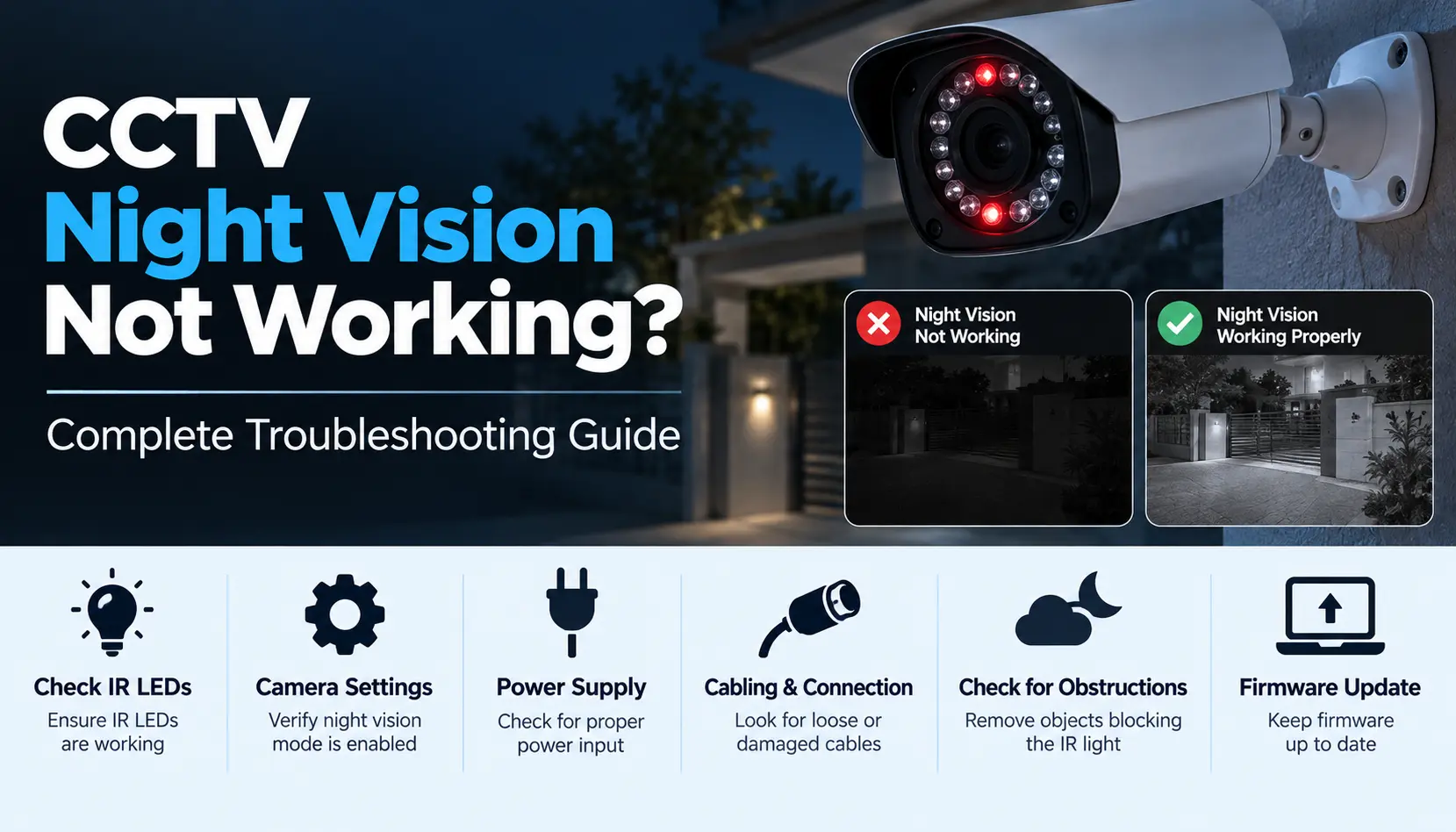
Your CCTV footage looks fine during the day, but at night the screen is either blank, blurry, or full of glare. This is one of the most common CCTV complaints, and in most cases the cause is one of a handful of things: a power issue, a dirty or damaged lens, incorrect camera distance, a faulty IR cut filter, or failing infrared LEDs.
This guide walks through the most common symptoms, what usually causes each one, and a step-by-step way to check your system before deciding whether it is a DIY fix or a job for a technician.
- How CCTV Night Vision Actually Works
- Common Symptoms of CCTV Night Vision Problems
- Why Is My CCTV Camera Completely Black at Night?
- Why Is My CCTV Night Vision Blurry or Hazy?
- Why Does My CCTV Footage Show White Spots or Glare at Night?
- Why Does Night Vision Work Sometimes But Not Always?
- Step-by-Step Troubleshooting Checklist
- When to Call a Technician Instead of Troubleshooting Yourself
- How to Prevent Night Vision Problems in the Future
- CCTV Night Vision Support in Hyderabad
- FAQs
How CCTV Night Vision Actually Works
Most CCTV cameras do not actually "see in color" at night. Instead, they switch to a black-and-white infrared (IR) mode:
IR LEDs around the camera lens emit infrared light that is invisible to the human eye but visible to the cameras sensor.
An IR cut filter physically moves in front of the sensor when it gets dark, blocking visible light distortion and letting the sensor read the infrared light instead. You can often hear a soft click when this switch happens.
The cameras sensor then produces a black-and-white image lit by that infrared light, which is why night footage looks different from daytime color video.
Because night vision depends on several parts working together — LEDs, the filter, power, and the sensor — a problem in any one of them can affect the picture differently. That is why matching your specific symptom to a likely cause is a faster starting point than guessing.
Common Symptoms of CCTV Night Vision Problems
Before troubleshooting, identify which of these you are actually seeing:
Complete blackout
no image at all after dark, or a fully black screen
Blurry or hazy image
night footage is usable but unclear, foggy, or soft
White spots, circles, or glare
bright reflective patches, especially near the camera or on nearby surfaces
Inconsistent night vision
works some nights, fails others, or flickers between color and IR mode
Why Is My CCTV Camera Completely Black at Night?
A totally black screen at night — especially if daytime video is fine — usually points to the IR LEDs not turning on at all. Common reasons:
- Insufficient power: IR LEDs draw more current than daytime operation. If the power supply, cable run, or PoE switch can not deliver enough power, the LEDs may fail to light up even though the camera itself is on.
- IR LED or driver failure: The LEDs themselves, or the small circuit that controls them, can fail over time or due to a manufacturing defect.
- Camera not switching to night mode: If the day/night sensor or setting is misconfigured, the camera may stay in "day mode" after dark, producing a dark, unusable image.
- Loose or damaged cabling: A partially connected cable can be enough for daytime video to work while intermittent power cuts out the LEDs specifically.
Why Is My CCTV Night Vision Blurry or Hazy?
If you are getting an image but it looks foggy, soft, or washed out, the usual suspects are:
Dirty lens or housing: Dust, cobwebs, or a thin film of grime scatters the infrared light before it reaches the sensor, creating a hazy image — this is one of the most common and easiest-to-fix causes.
Camera placed too far from the subject: Every camera has a rated IR range; footage of anything beyond that distance will look progressively dimmer and less sharp.
Condensation inside the housing: Temperature changes, especially in outdoor cameras, can cause moisture to build up inside the dome or housing.
Faulty IR cut filter: If the filter is stuck halfway or not switching cleanly, the image can appear washed out or oddly colored.
Why Does My CCTV Footage Show White Spots or Glare at Night?
Bright white patches, halos, or reflective spots at night are usually caused by the cameras own infrared light bouncing back at it:
- IR reflection off nearby surfaces or the camera housing — common when a camera is mounted too close to a wall, glass, or reflective surface
- A dirty or scratched lens cover reflecting the IR light back into the sensor instead of letting it pass through
- A dome camera with a poorly sealed or dirty dome cover, which reflects the internal IR light
This is almost always a positioning or cleaning issue rather than a hardware failure, and it is often the quickest of these problems to resolve.
Why Does Night Vision Work Sometimes But Not Always?
Inconsistent night vision — working on some nights and failing on others — often points to a borderline issue rather than a complete failure:
- Power supply operating near its limit, which fails intermittently under slightly higher load or voltage fluctuation
- A loose connector or cable that maintains contact most of the time but drops out occasionally
- An aging IR cut filter mechanism that does not switch reliably every time
- Environmental factors like extreme heat, humidity, or insects near the lens on certain nights
Intermittent problems are usually more worth investigating early, since they often indicate a component that is close to failing completely.
Step-by-Step Troubleshooting Checklist
Work through these in order — most people find their answer within the first few steps:
Check the lens and housing
Clean the lens and camera cover with a soft, dry cloth. Look for cobwebs, dust, or condensation.
Check camera placement
Confirm nothing (a wall, pole, or glass) is close enough to reflect the cameras own IR light back at it.
Check the distance to what you are monitoring
If the area is far beyond the cameras rated IR range, that is the likely explanation for a dim or blurry image.
Cover the lens with your palm in a dark room and check for a faint red glow
from the IR LEDs. If you see nothing, this points to a power or LED issue rather than a lens or placement problem.
Check the power supply and cabling
Look for damaged adapters, loose connectors, or a PoE switch running near capacity.
Check the DVR/NVR settings
Confirm the cameras day/night mode is set to automatic (or correctly scheduled) rather than locked to day mode.
Restart the camera and recorder
A simple power cycle resolves some intermittent IR-switching issues.
Test the camera on a different port or power source
if possible, to rule out a faulty cable or PoE port.
If none of these steps resolve the issue, the problem is more likely to be a hardware fault inside the camera — worth escalating to a technician rather than continuing to troubleshoot.
When to Call a Technician Instead of Troubleshooting Yourself
Some situations are best handled by a professional rather than DIY steps:
- No IR glow at all after checking power and connections
- The IR cut filter is not clicking or switching between day and night mode
- The issue affects multiple cameras at once, suggesting a shared power or NVR problem
- Water has clearly entered an outdoor camera housing
- The camera is still within its manufacturer warranty, in which case a repair attempt could affect eligibility
- You have completed the checklist above and the problem persists
At this point, whether the fix is a warranty claim or a paid repair depends on the products warranty terms and, if applicable, your AMC agreements scope.
How to Prevent Night Vision Problems in the Future
Most night-vision issues are the kind that regular maintenance catches early, rather than sudden, unpredictable failures:
- Clean camera lenses and housings on a regular schedule, especially for outdoor cameras exposed to dust or weather
- Have cabling and connectors inspected periodically, particularly at outdoor junctions
- Keep an eye on power supply health, especially for systems with many PoE cameras on one switch
- Review camera placement occasionally, since nearby construction, new signage, or foliage can create new IR reflection issues over time
- Consider a maintenance schedule (AMC) that includes lens cleaning, connection checks, and IR performance checks as part of routine visits
CCTV Night Vision Support in Hyderabad
Outdoor CCTV cameras in Hyderabad deal with a lot — dust through the dry months, heat that affects electronics and power supplies, and monsoon humidity that can lead to condensation inside housings. These conditions make lenses, cabling, and power connections worth checking more often than a "set and forget" system might suggest. Smart Secures provides CCTV installation Services and AMC services in Hyderabad, including night-vision troubleshooting and preventive maintenance for homes, shops, offices, warehouses, and commercial properties.
