
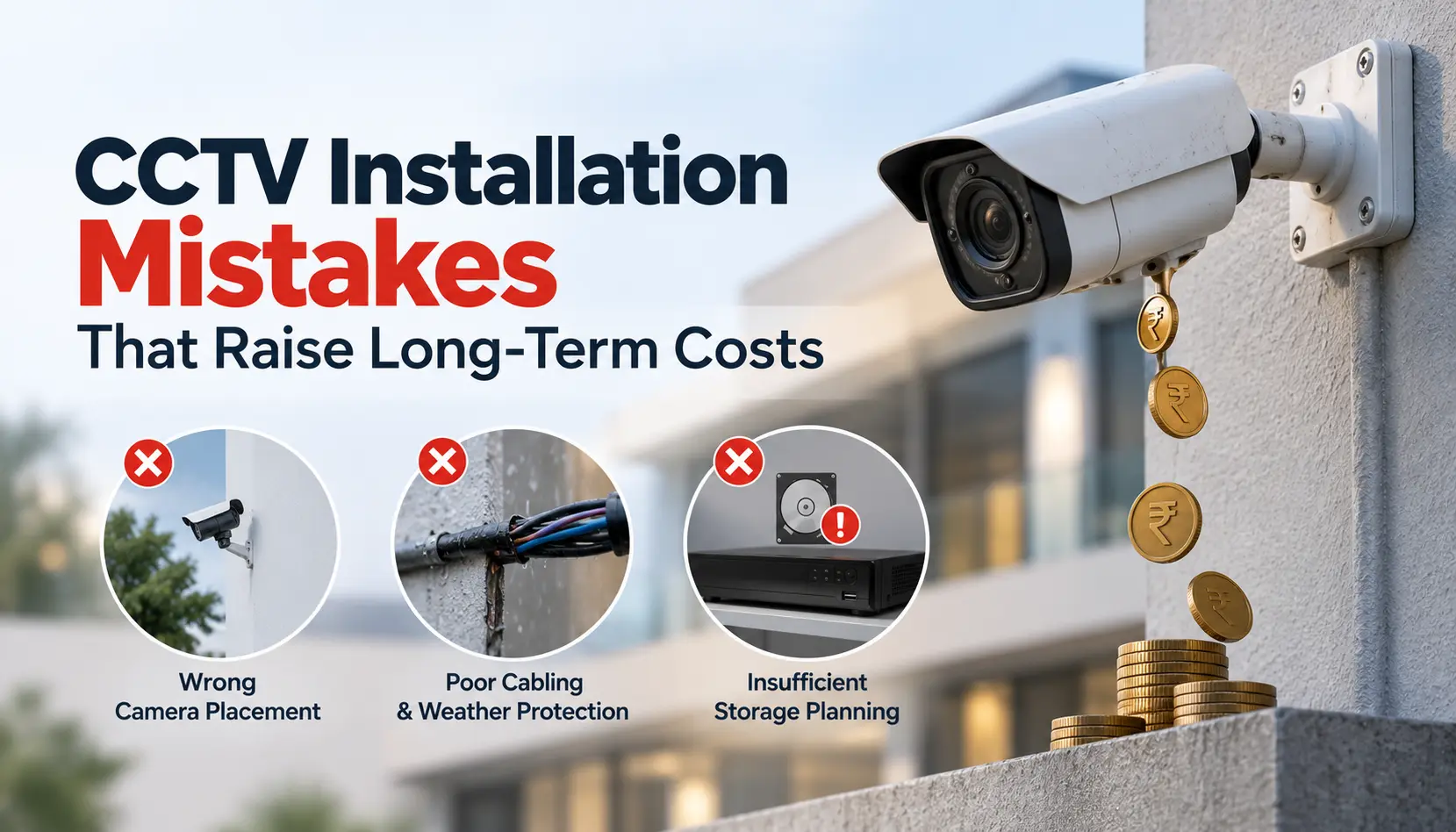
A CCTV system is supposed to save you money — by preventing theft, cutting insurance premiums, and giving you proof when something goes wrong. But a poorly installed system does the opposite. It looks like it is working, until the day you actually need the footage and discover a blind spot, a dead hard drive, or a camera that never recorded anything useful in the first place.
The frustrating part is that most of these problems do not come from bad cameras. They come from small installation mistakes made on day one — mistakes that are cheap to avoid but expensive to fix later. Below, Smart Secures breaks down the most common CCTV installation mistakes and exactly how each one adds to your long-term costs.
- Why Installation Mistakes Cost More Than the Cameras Themselves
- 1. Skipping a Proper Site Survey
- 2. Choosing the Wrong Camera for the Environment
- 3. Poor Camera Placement and Angles
- 4. Ignoring Lighting Conditions
- 5. Using Low-Quality Cables and Connectors
- 6. Undersizing Storage Capacity
- 7. Weak Network and Cybersecurity Configuration
- 8. Skipping Professional Weatherproofing
- 9. Treating Installation as a One-Time Job
- How to Avoid These Costs From the Start
- FAQs
Why Installation Mistakes Cost More Than the Cameras Themselves
The camera is often the smallest expense in a surveillance systems lifetime cost. Cabling, storage, labour, re-installation, and downtime add up over years, and a mistake made during setup tends to repeat itself every time it rains, every time storage fills up, or every time you need to zoom into a face that is just a blur. Fixing a mistake after installation almost always costs more than getting it right the first time, because it means re-opening walls, re-running cables, or re-mounting hardware that is already fixed in place.
1. Skipping a Proper Site Survey
Many installations start with cameras going up wherever looks convenient, instead of where they are actually needed. Without a floor plan and a walk-through of entry points, loading areas, and vulnerable corners, you end up with:
- Overlapping coverage in low-risk areas
- Untouched blind spots near doors, gates, and parking zones
- Extra cameras purchased later just to plug the gaps
Long-term cost: paying twice — once for the original system, and again for the cameras that should have been included from the start.
2. Choosing the Wrong Camera for the Environment
Not every camera suits every location. Indoor cameras placed outdoors fail early. Fixed cameras used where wide coverage is needed leave gaps. Standard-resolution cameras used at entrances make faces impossible to identify later.
Long-term cost: early hardware failure, unusable footage during an actual incident, and premature replacement of cameras that were the wrong fit from day one.
3. Poor Camera Placement and Angles
Camera height and angle decide whether footage is actually useful. Cameras mounted too high capture the tops of heads instead of faces. Cameras aimed into direct sunlight or facing glass produce glare and washed-out footage. Cameras placed without checking for future obstructions — tree growth, parked vehicles, new signage — lose coverage over time.
Fix before installing:
- Mount at face level wherever possible, especially at entrances
- Avoid pointing cameras directly at strong light sources
- Recheck the field of view a few weeks after installation, once any temporary obstructions are gone
4. Ignoring Lighting Conditions
Cameras depend on light. A camera that looks fine during a daytime installation check can produce grainy, unusable footage at night if it does not have adequate infrared or low-light capability.
Long-term cost: businesses often end up adding supplemental lighting or upgrading to better night-vision cameras after an incident proves the existing footage is useless — an avoidable expense if low-light performance is checked during installation.
5. Using Low-Quality Cables and Connectors
Cabling is rarely the exciting part of a CCTV project, which is exactly why it gets cut first when budgets tighten. Cheap cabling — thin, poorly shielded, or exposed to sun and rain without protection — leads to:
- Signal loss, flickering, or "ghosting" on screens
- Interference from nearby electrical wiring
- Repeated maintenance visits as cables degrade
Long-term cost: what looks like a small saving upfront often turns into recurring service calls and, eventually, a full cable replacement — usually more disruptive and expensive than doing it properly the first time.
6. Undersizing Storage Capacity
Storage needs grow with camera count, resolution, and how long footage needs to be retained. Systems set up with just enough storage for "now" quickly run out of room once more cameras are added or higher resolutions are used.
Long-term cost: older footage gets overwritten faster than expected, which becomes a serious problem if an incident is not noticed for a few days — by the time you go looking, the recording is already gone.
7. Weak Network and Cybersecurity Configuration
Modern CCTV systems are network devices, and a default password or an unsecured connection is an open door. Poor network setup can expose live feeds and recorded footage to unauthorised access.
Long-term cost: beyond the security risk itself, fixing a breached or poorly configured network after the fact usually means reconfiguring the entire system, plus the cost of any compromised data.
8. Skipping Professional Weatherproofing
Outdoor cameras and cable entry points need proper sealing. Gaps left during a rushed installation let in moisture, which damages both the camera and the wiring behind it.
Long-term cost: water damage rarely shows up immediately — by the time a camera starts failing, the corrosion has often spread to the connector or cable run behind it, turning a simple camera swap into a bigger repair job.
9. Treating Installation as a One-Time Job
A system that is never revisited after installation slowly drifts out of alignment — angles shift, firmware goes unpatched, storage fills up, and nobody notices until footage is needed and is not there.
Long-term cost: the price of a missed incident, plus the cost of an emergency call-out to fix problems that routine maintenance would have caught early.
How to Avoid These Costs From the Start
- Get a proper site assessment before any camera goes up
- Match camera type and resolution to each locations actual needs
- Use quality cabling and weatherproof connectors, especially outdoors
- Size storage for growth, not just your current camera count
- Secure the network with strong, unique credentials
- Schedule periodic checks rather than assuming the system will maintain itself
A professionally planned installation costs more to set up than a rushed DIY job, but it avoids nearly every expense on this list.
