
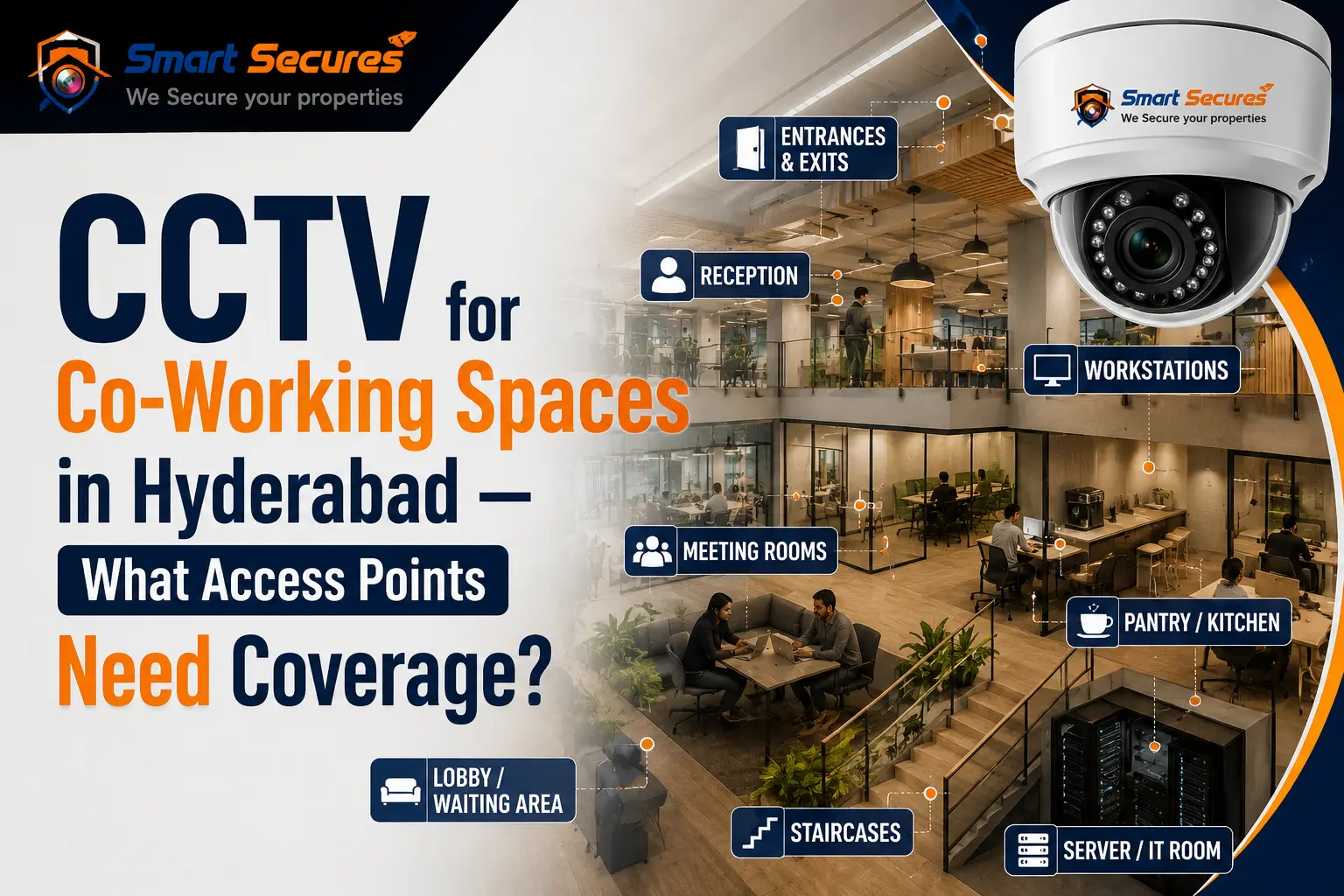
Co-working spaces have grown fast across Hyderabad. Hitec City, Gachibowli, Madhapur, and the Financial District are now packed with shared offices full of freelancers, startups, and enterprise teams.
The model works because access is easy. Members come and go freely. But that same openness creates a real security problem.
Dozens of people you do not directly employ move through your floors every day — often late into the night. When a laptop goes missing, or a member raises a complaint, the first question is always the same: Who had access at that time?
Securing a co-working space is not about putting cameras everywhere. It is about covering the right access points and shared zones — while giving members enough privacy to work comfortably. This guide covers exactly what a camera needs in a co-working space in Hyderabad.
- Why Co-Working Spaces Need CCTV
- Main Entrance — Start Here
- Reception Desk — More Useful Than You Think
- Internal Access Points — The Most Critical Zone
- Meeting Rooms — Cover the Door, Not the Inside
- Common Areas — Wide Coverage, Not Close Monitoring
- Parking — Protect What Members Drive In
- Data Privacy — Get This Right
- Frequently Asked Questions
- Conclusion
Why Co-Working Spaces Need CCTV
A co-working floor brings together strangers, expensive equipment, and constant movement. That combination creates specific risks:
Daytime and overnight threats are different, so your coverage has to handle both. A system built only for business hours leaves you exposed exactly when a break-in is most likely.
- Laptop and belonging theft from desks and lockers
- Unauthorised visitors tailgating behind members
- Disputes between members or with staff
- Damage to shared equipment and furniture
- After-hours access when fewer people are around
Because members are not your employees, holding anyone accountable is harder. A verbal account is rarely enough to resolve a complaint.
Cameras at entry points and shared zones close that gap. They show you who entered and when. They deter opportunistic theft. They give you a clear record when a member needs an incident investigated.
For any co-working operator in Hyderabad, that kind of reliability is part of what members are paying for.
Main Entrance — Start Here
The main entrance is the foundation of your entire security system.
Mount one camera at face height at the front door. It should capture a clear image of every person who enters and leaves. Pair it with your access-control or biometric system. When the two work together, every entry is both logged by the system and recorded on camera.
This means you can match a name, a time, and a face — which is exactly what you need when an incident is reported.
Reception Desk — More Useful Than You Think
The reception desk handles visitors, deliveries, and serves as the first point of contact for everyone walking in.
A camera covering the reception area records visitor sign-ins, package deliveries, and any disputes that happen at the front desk. In spaces that regularly host client meetings and guests, this footage proves more useful than most operators expect.
Internal Access Points — The Most Critical Zone
The main door is just the start. Internal checkpoints matter just as much.
In a multi-floor space, cover the door to each floor or private suite. These transition points tell you exactly who moved between zones. Also cover lift lobbies and staircases — the two spots where people move through the building without being noticed.
When you tie these cameras to your door-access logs, you get a complete, timestamped picture of who was where at any given time. This is the single most powerful tool for resolving disputes in a shared workspace.
Meeting Rooms — Cover the Door, Not the Inside
Meeting rooms need a careful approach.
Place cameras at the door and the approach area — not inside the room. Confidential client discussions happen inside those rooms. Members have a reasonable expectation of privacy there.
Knowing who entered and left a room, and when, gives you all the accountability you need. It also keeps you firmly on the right side of privacy expectations.
Common Areas — Wide Coverage, Not Close Monitoring
Hot-desk zones, lounges, cafeterias, and printer areas are shared spaces. Minor theft and disputes happen here more than anywhere else.
Use wide-angle cameras for broad coverage of these areas. Do not zoom in on individual screens or desks. The goal is to protect shared assets and deter theft — not to watch people work.
High-detail IP cameras work well in these spaces. They integrate cleanly with access-control systems and let you manage multiple floors — or multiple branches — from one single dashboard.
One zone that deserves special attention: the server room. It holds your network and often your recording equipment. It needs its own dedicated camera and strict access control.
Parking — Protect What Members Drive In
Members cars and two-wheelers are valuable. Parking complaints are common.
Install night-vision cameras at the parking entry and exit, and across the bays. This prevents vehicle damage disputes and theft claims. Also cover the buildings outdoor approach and any rear entrance — these are the quiet spots where after-hours problems usually start.
Data Privacy — Get This Right
Co-working members are paying for a professional environment. Not a surveilled one.
Follow these simple rules:
- ✅ Cover access points, shared zones, and common assets
- ❌ Never cover private cabins, phone booths, washrooms, or meeting-room interiors
- ✅ Put up clear signage that common areas are monitored
- ✅ Store footage securely with limited access
- ✅ Keep footage only as long as you reasonably need it
Handled correctly, cameras reassure members instead of unsettling them. Transparency builds trust — it does not damage it.
A regular AMC keeps every camera working properly, so footage is genuinely available when a member needs it.
Frequently Asked Questions
Conclusion
A co-working space in Hyderabad is only as secure as its access points.
Cover the main entrance, reception, per-floor doors, lift lobbies, common areas, the server room, and parking. Tie your cameras to your access-control system. Respect member privacy by leaving desks, cabins, and meeting-room interiors alone.
That combination gives you a system that is both genuinely protective and reassuring to the people who work there every day.
Need professional CCTV installation in Hyderabad? Contact our team for a free site visit and a custom security plan — or explore our commercial CCTV installation services for offices and co-working spaces.
